Runtime Protections for Vibe-Coded Services: WAFs, RASP, and Rate Limits
 Feb, 13 2026
When developers use AI tools to write code by just describing what they want - a "vibe" - the app gets built fast. But speed comes at a cost: AI-generated code is riddled with security holes you won’t find by just reading it. GitHub Copilot might generate a login form that accidentally exposes user tokens. Amazon CodeWhisperer could create an API endpoint that lets anyone dump your database. These aren’t edge cases. In early 2026, researchers scanned over 5,600 apps built with vibe coding and found more than 2,000 critical vulnerabilities. Most were simple, avoidable mistakes: unauthenticated endpoints, hardcoded secrets, and broken input validation. The code works. But it’s wide open.
Why Traditional Security Fails with Vibe-Coded Apps
You can’t scan vibe-coded apps like you would human-written code. AI doesn’t follow patterns. It doesn’t copy-paste from known exploits. It invents new ways to break things. A developer might ask for "a form that saves user data," and the AI generates code that talks directly to a database without checking if the user is logged in. Or it creates an API endpoint with no rate limit because "it’s just for internal use." Then it gets exposed publicly. No one notices until attackers start brute-forcing it.Static code scanners miss this. They look for known vulnerability patterns - SQL injection, XSS - but vibe coding often creates novel combinations. A parameter named "user_email" might look fine, but if it’s passed through ten layers of AI-generated middleware, it could end up in a SQL query without escaping. Traditional tools don’t trace that path. They see the line. They don’t see the chain.
Layer 1: Web Application Firewalls (WAFs)
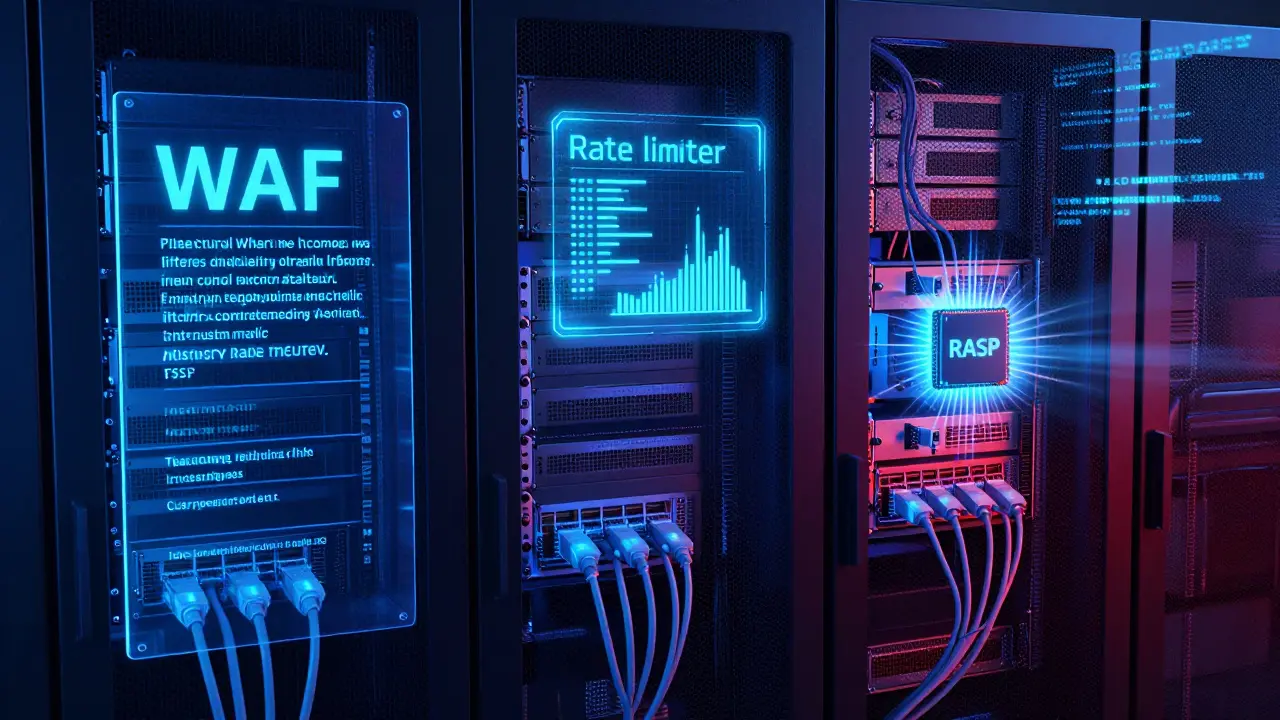
A WAF is your first line of defense. It sits between the internet and your app, watching every HTTP request. It doesn’t care if the code was written by a human or an AI. It only cares about what’s in the request.Modern WAFs like Cloudflare, AWS WAF, and Fortinet FortiWeb now include rules specifically for vibe-coded apps. In January 2026, AWS launched 47 new managed rules targeting AI-generated code patterns. These rules flag:
- Unusually long query strings - common in AI-generated forms that dump all form fields into URLs
- Base64-encoded parameters in GET requests - often used to hide malicious payloads
- Requests with missing or malformed User-Agent headers - typical of automated bots scanning for exposed Supabase keys
- Repeated access to /api/v1/user endpoints without authentication - a red flag for brute-force attacks
WAFs are fast to set up. Most cloud providers let you enable them in under four hours. But they have blind spots. A WAF can’t see what happens inside your browser. If an attacker injects a malicious script into a third-party analytics library - something AI often includes without thinking - the WAF won’t stop it. Same with formjacking. Or session hijacking via stolen cookies. WAFs only protect the network layer. They’re like a gatekeeper at the front door. They check IDs, but they don’t search your pockets.
Layer 2: Rate Limiting for API-Heavy Apps
Vibe-coded services love APIs. They generate dozens of endpoints - for user profiles, payment logs, chat history - and often forget to protect them. Escape Technologies found that 83% of vibe-coded APIs had no rate limiting. That means attackers can:- Brute-force login endpoints with 10,000 requests per minute
- Drain your database by querying user data nonstop
- Trigger expensive cloud functions just to rack up your bill
Effective rate limiting isn’t one-size-fits-all. You need different rules for different endpoints:
- Public endpoints (like /api/v1/products): 100 requests per minute per IP
- Authenticated endpoints (like /api/v1/user/profile): 1,000 requests per minute per account
- Admin endpoints (like /api/v1/config): 10 requests per minute, IP + MFA required
Cloudflare’s API Gateway lets you set these rules with sliders - from 1 to 10,000 requests per minute. AWS API Gateway charges $0.90 per million requests beyond the free tier. But cost isn’t the issue. The issue is tuning. If you set limits too low, legitimate users get blocked. AI tools sometimes make rapid, repetitive calls during testing. You don’t want to lock out your own dev team. Start with conservative limits. Monitor traffic for a week. Adjust based on real usage, not guesswork.
Layer 3: Runtime Application Self-Protection (RASP)
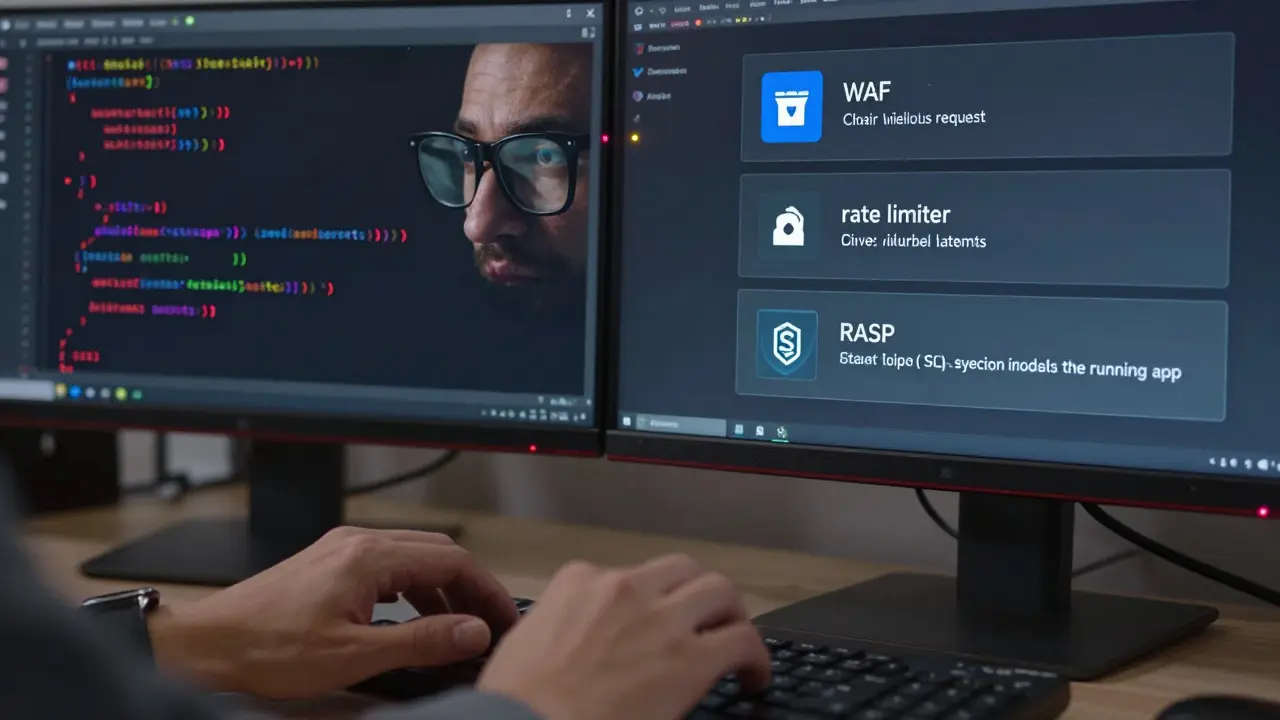
This is where things get deep. RASP doesn’t watch traffic. It watches your app while it’s running. It injects security checks directly into your app’s memory. Think of it as a bodyguard inside your app, not outside.When a request hits your app, RASP looks at:
- What function is being called
- Where the data came from
- What the app is trying to do with it
If an attacker sends a SQL injection payload - even a brand-new one never seen before - RASP stops it. Why? Because it sees the database query being built from user input without sanitization. It doesn’t care if the code was written by AI. It just knows: this isn’t how the app should behave.
Contrast Security and Imperva RASP are two tools built for this. They work with Python, Node.js, Java - the languages most used in vibe coding. They add 5-15% overhead to performance. That’s a trade-off. But compared to the cost of a data breach? Worth it.
Here’s the kicker: RASP catches what WAFs and rate limiting miss. It stops attacks from trusted scripts. It blocks malicious code injected via AI-generated third-party libraries. It detects logic flaws - like an endpoint that lets users delete any account if they know the right ID. No rule needed. Just behavior.
The Layered Defense: WAF + Rate Limiting + RASP
You don’t pick one. You use all three. It’s not optional. NIST Special Publication 800-53 Revision 5 says so. And the data backs it up.Here’s how the layers stack:
- WAF - catches the obvious attacks before they touch your server
- Rate Limiting - stops brute-force, scraping, and abuse of APIs
- RASP - kills zero-day exploits and logic flaws inside the app
Setup time? WAF: 1-4 hours. Rate limiting: 4-8 hours. RASP: 3-10 days. Total investment? Around 20-40 hours for initial config. Monthly maintenance? 4-8 hours updating rules, checking false positives.
And it works. Organizations using all three layers saw a 92% drop in successful attacks in 2025, according to Gartner. The ones that skipped RASP? Still getting breached - even with a WAF.
What Happens If You Ignore This?
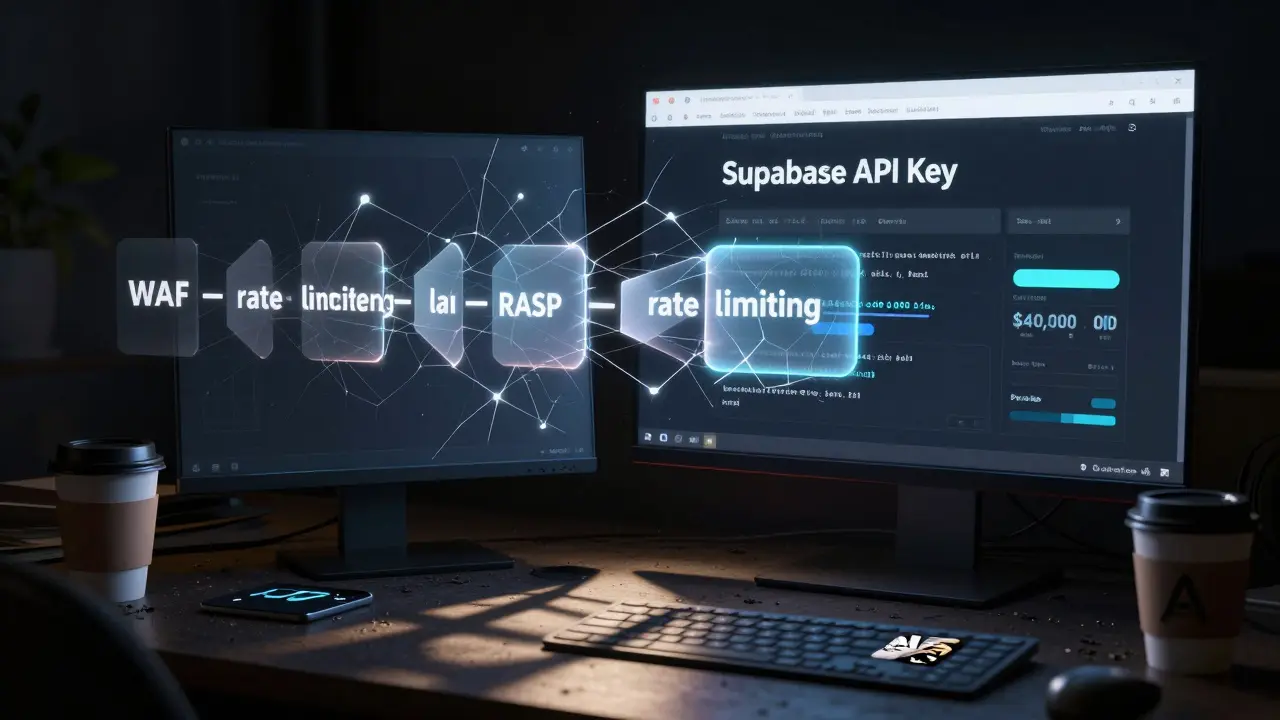
Check Point researchers call it "failing the security vibe check." You get excited about how fast your app ships. You trust the AI. You skip testing. Then one day, your Supabase API key shows up on a dark web forum. Your users’ emails are sold. Your server is mining crypto. Your cloud bill hits $40,000 in a week.It’s not hypothetical. In July 2025, Blackpoint Cyber tracked a DCRat malware campaign that spread through vibe-coded apps. Attackers used fake captchas to trick AI-generated forms into leaking tokens. The WAF didn’t block it because the traffic looked legitimate. Rate limiting didn’t catch it because the requests were spread across IPs. Only RASP noticed the app was making unexpected outbound connections to a known C2 server.
OWASP just released its first Top 10 for AI-Generated Code. Number 3? "Misconfigured Runtime Protections." That’s not a footnote. That’s the #3 risk in the entire list.
What Should You Do Right Now?
If you’re building with vibe coding:- Enable your cloud provider’s WAF - and turn on the new AI-specific rules
- Review every API endpoint. Add rate limits. Start low. Watch traffic. Adjust
- Deploy RASP on your production app. Even if it’s just one service. Test it with real traffic
- Scan for secrets. Use tools like Escape Technologies’ Visage Surface scanner. Look for exposed Supabase keys, AWS credentials, or Firebase tokens
- Train your team: AI-generated code is not secure code. Treat it like untrusted input
The future of development is AI-assisted. But security can’t be outsourced to an algorithm. You still have to protect what you build. The tools exist. The data is clear. The time to act isn’t next quarter. It’s now.
chioma okwara
February 13, 2026 AT 17:42John Fox
February 15, 2026 AT 14:28Tasha Hernandez
February 16, 2026 AT 18:32Krzysztof Lasocki
February 17, 2026 AT 16:36Henry Kelley
February 17, 2026 AT 18:49