Design Tokens and Theming in AI-Generated UI Systems
 Jan, 28 2026
Imagine building a digital product with hundreds of screens-each one needing consistent colors, spacing, and typography. Now imagine doing it without manually updating 50 CSS files every time the brand changes its primary color. That’s the reality design teams face without design tokens. With AI now stepping in to automate and refine them, the way we build interfaces is changing faster than ever.
What Are Design Tokens, Really?
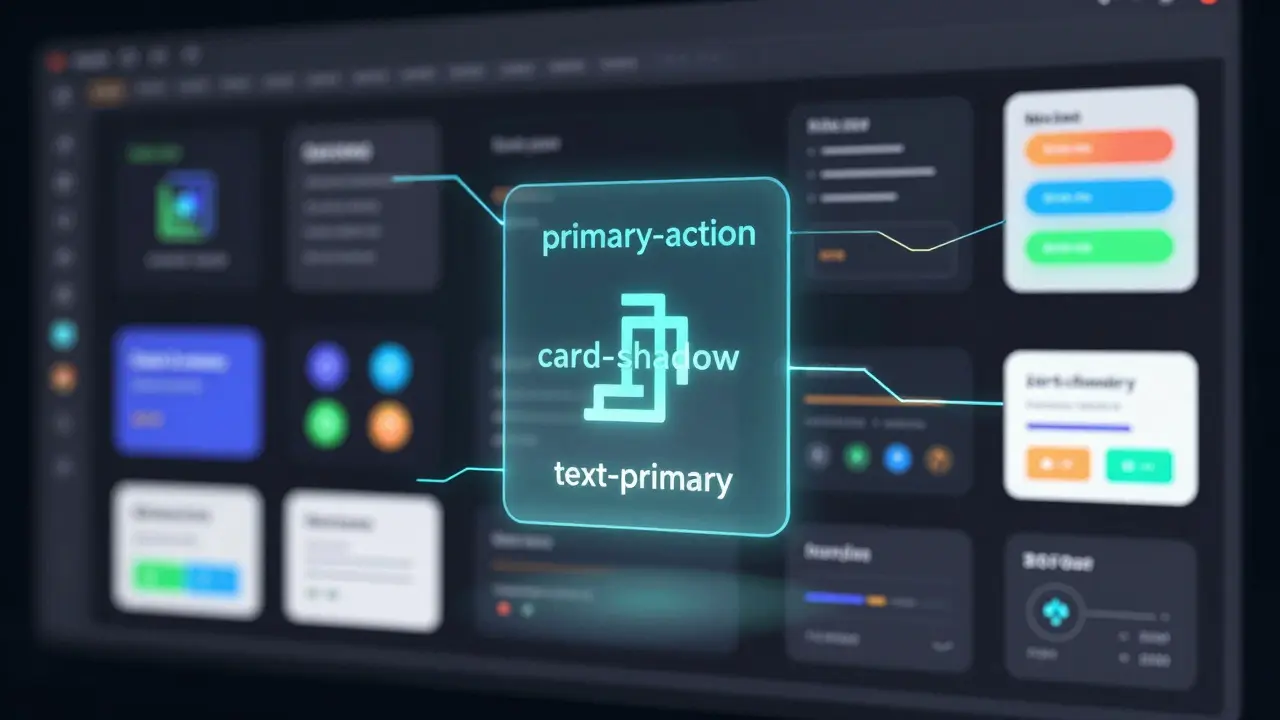
Design tokens are the building blocks of modern UI systems. They’re not just colors or font sizes-they’re named variables that hold design values. Think of them like variables in code, but for design. Instead of hardcoding #FF0000 everywhere, you define a token called primary-action that points to that red. Change the token once, and every button, badge, and link updates automatically.
There are two types: primitive tokens and semantic tokens. Primitive tokens are raw values-hex codes, pixel measurements, font names. Semantic tokens are the meaning behind them: primary-action, error-state, card-shadow. This separation is key. It means you can swap out a red for a blue without rewriting every component. The meaning stays the same; only the appearance changes.
These tokens live in JSON files. They’re not locked in Figma or Sketch. They’re portable, reusable, and can be converted into CSS, Swift, Android XML, or any format your team uses. This is what makes them the glue between design and development.
How AI Is Changing the Game
Before AI, creating tokens was a manual, error-prone process. Designers would pick colors in Figma, developers would copy-paste hex codes into code, and someone would inevitably miss a button. Teams spent hours aligning naming conventions. Now, AI tools scan your Figma files and automatically suggest semantic tokens based on usage patterns.
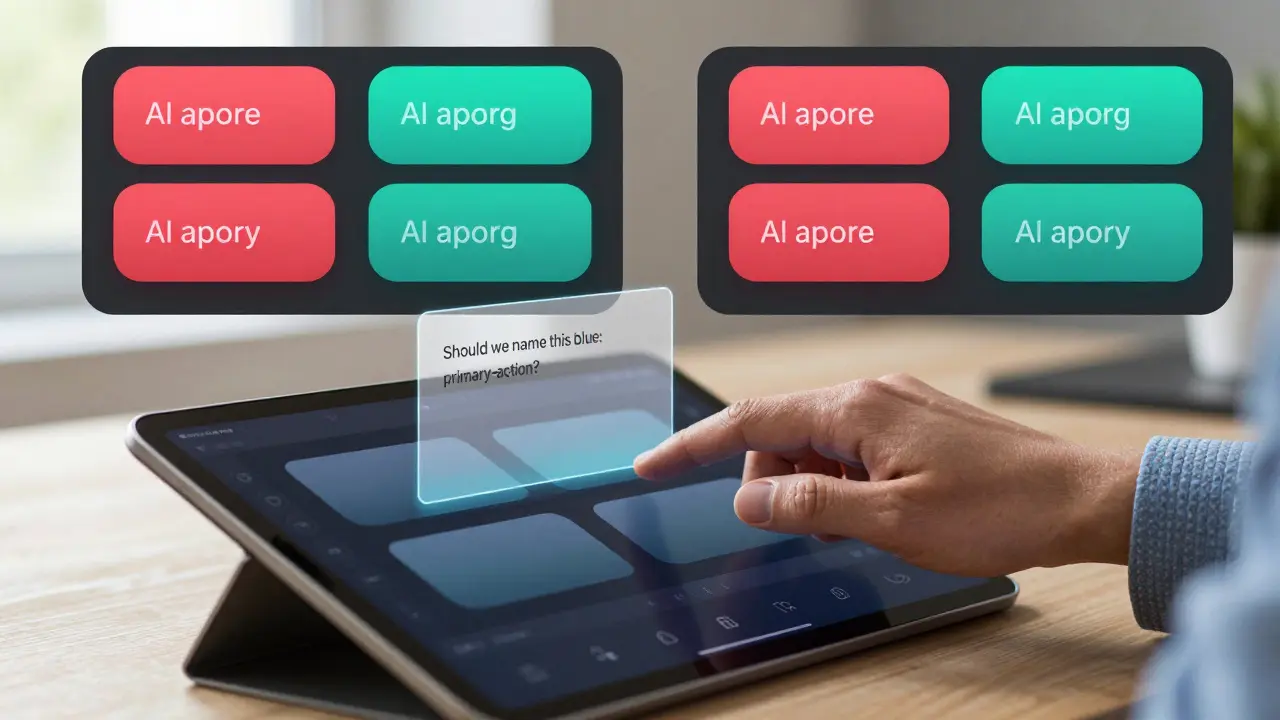
Take Figma’s Token AI Assistant, launched in December 2024. It looks at how you use colors across 200 frames and says, “This blue appears 47 times as a call-to-action. Should we call it primary-action?” It gets it right 89% of the time. That’s not magic-it’s pattern recognition trained on thousands of real design systems.
AI doesn’t just name tokens. It finds inconsistencies. If one team uses 12px padding on cards and another uses 14px, the AI flags it. It doesn’t fix it-yet-but it highlights the drift before it becomes a mess. In enterprise systems with 50+ components, this cuts design-to-development handoff time from days to hours.
And it scales. A small team with one designer and two devs can now maintain a design system that used to require a full-time design engineer. That’s the real win: productivity without sacrificing control.
Theming Made Simple
Theming isn’t just light mode and dark mode anymore. It’s brand variants for different regions, accessibility modes for low vision users, even high-contrast modes for office lighting. Design tokens make this effortless.
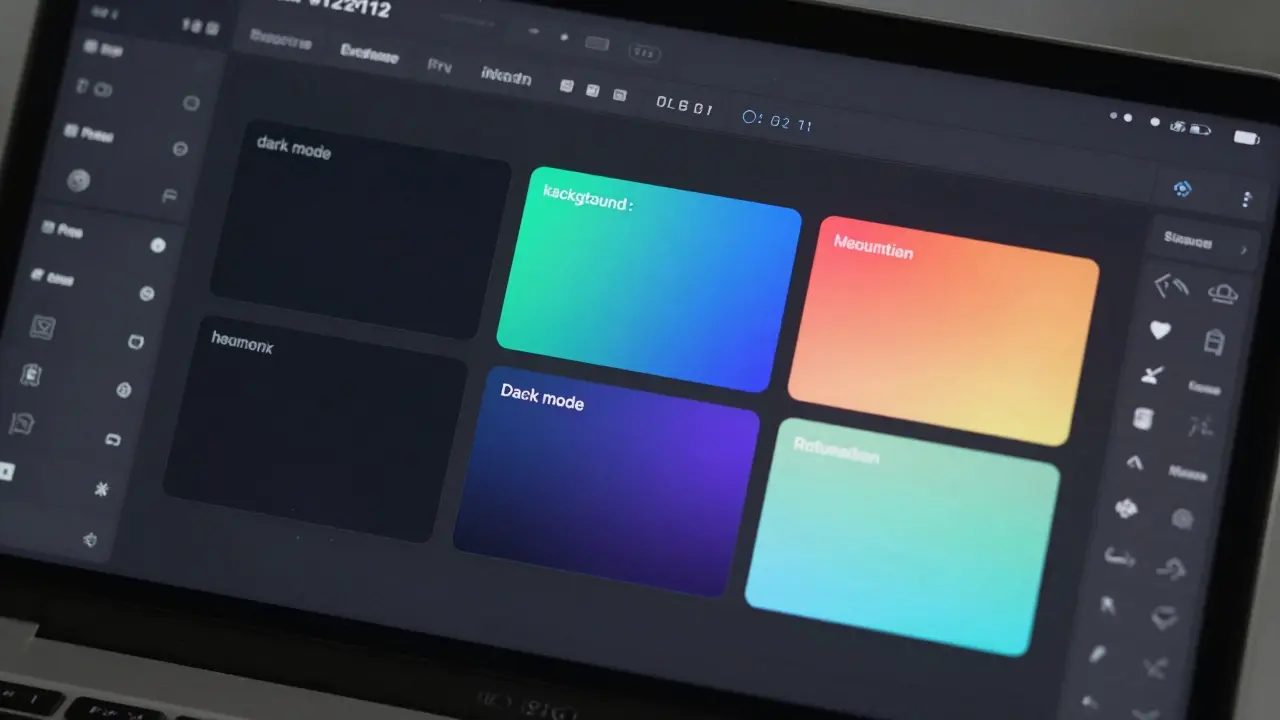
Here’s how it works: You define a mode-say, dark. Inside that mode, you override token values. background goes from #FFFFFF to #121212. text-primary shifts from #333333 to #E0E0E0. The rest? It all adapts automatically. Buttons, modals, tooltips-they all inherit the new values without a single line of code being rewritten.
Material Design 3, Google’s modern design system, uses this approach with Dynamic Color Tokens. You feed it one brand color-say, teal-and it generates an entire accessible palette, including contrast ratios that meet WCAG 2.2. That’s AI doing the math so you don’t have to.
For companies with global products, this is huge. You can have a dark mode for Europe, a high-contrast mode for Japan, and a reduced-motion mode for users with vestibular disorders-all from the same token set. No duplicate components. No spaghetti code.
Why This Beats Old-School Style Guides
Remember style guides? PDFs buried in Notion. 27 separate files for colors, spacing, typography. Someone updates one, forgets another. A developer uses the wrong shade because the guide was “out of date.” Sound familiar?
Design tokens fix that. They’re not static documents. They’re live, version-controlled systems. When you change a token in your config file, it propagates to Figma, to your codebase, to your design review tool-all in sync. No more “but the design says…”
According to a 2024 survey of 127 companies, teams using tokens reduced design inconsistencies by 73%. Handoff time dropped from 3-5 days to under 12 hours. And the best part? It works whether you’re using Figma, Adobe XD, or Sketch. Tokens are platform-agnostic.
Traditional CSS variables helped, but they’re limited. You can’t easily convert them into Swift code. You can’t auto-generate them from design files. And you can’t use them to power AI-driven theming. Tokens are the next evolution.
Where It Falls Short
AI isn’t perfect. And it shouldn’t be in charge.
Some teams let AI generate all their tokens-and end up with bland, generic interfaces. One designer on Reddit said their AI suggested blue-1, blue-2, blue-3 for every color. No meaning. No brand. Just numbers. That’s not a design system. That’s a spreadsheet.
AI is great at patterns. It’s terrible at nuance. A brand’s personality isn’t in its hex codes-it’s in the whitespace, the rounded corners, the rhythm between elements. That’s human work. AI can suggest, but only a designer can decide.
Also, setup isn’t easy. Open-source tools like Style Dictionary have a steep learning curve. Non-technical designers struggle with JSON syntax. Teams report spending weeks just configuring token transformers before they see results.
And then there’s the risk of homogenization. If everyone uses AI to generate tokens from the same training data, everything starts looking the same. The same buttons. The same spacing. The same color palettes. Design loses its soul.
That’s why every successful implementation includes one rule: human oversight. AI suggests. Humans decide.
Who’s Using This Right Now?
Fortune 500 companies are leading the charge. 68% now use design tokens. Why? Because they have 50+ products, thousands of screens, and dozens of designers. Manual systems collapse under that weight.
Adobe, Salesforce, and Spotify all use AI-enhanced token systems. Spotify’s music player app uses tokens to switch themes based on user mood playlists-dark for late-night jazz, bright for morning workout tracks. That’s not a static design. That’s a living system.
Even startups are jumping in. A health app in Oregon recently switched from manual CSS to Figma Tokens with AI assistance. They cut theme development time from two weeks to three days. Their QA team stopped reporting color mismatches.
Market data shows this isn’t a trend-it’s a shift. The design token tools market is growing at nearly 30% a year. By 2027, it’ll be worth over $3 billion. And by 2026, Forrester predicts 65% of tokens will be AI-generated, up from 28% today.
How to Get Started
You don’t need a team of engineers. You don’t need to rebuild your entire system. Start small.
- Choose one design system you want to fix-maybe your login screen.
- Identify three visual properties: color, spacing, typography.
- In Figma, create variables for each. Name them meaningfully:
color-primary,spacing-card,font-heading-1. - Use Figma’s AI assistant to suggest semantic names. Accept the good ones. Reject the bad ones.
- Export those variables to a JSON file using Figma’s built-in export tool.
- Connect that file to your codebase using a tool like Style Dictionary or Zeroheight.
- Test it. Change the color. See if every button updates.
That’s it. You’ve just built a token system. No PhD required.
Once it works for one screen, expand. Add a dark mode. Add accessibility tokens. Let AI help you scale. But never hand over the final call.
What’s Next?
Adobe’s Project TokenFlow, coming in 2026, will sync tokens in real time between design and code. No export. No refresh. Change a color in Figma, and it updates in React immediately.
AI will soon predict tokens before you even create them. If you use a certain shade of green on three buttons, it might suggest success-state before you finish the fourth.
And accessibility? Tokens will enforce WCAG compliance automatically. If your contrast ratio drops below 4.5:1, the system won’t let you ship. No more lawsuits. No more manual audits.
This isn’t the future. It’s already here. The question isn’t whether you should use design tokens with AI. It’s whether you’re ready to let go of the old way-and trust your team to lead, not just follow.
What’s the difference between design tokens and CSS variables?
CSS variables are limited to web code and can’t easily be shared with design tools or mobile apps. Design tokens are platform-agnostic-they’re stored in JSON and can be converted into CSS, Swift, Android XML, or any format. Tokens also support semantic naming (like ‘primary-action’) and AI-driven automation, which CSS variables can’t do on their own.
Do I need AI to use design tokens?
No. You can manually create and manage tokens in JSON files without AI. But if you’re working on a medium or large product with multiple designers and developers, AI saves hours of manual work by auto-generating names, detecting inconsistencies, and suggesting semantic patterns. For small projects, manual is fine. For scaling teams, AI is a force multiplier.
Can AI ruin my brand’s design identity?
Yes-if you let it. AI follows patterns, not personality. It doesn’t understand why your brand uses asymmetry, or why your buttons have a 4px corner radius instead of 8px. That’s human judgment. Use AI to speed up the process, but always review its suggestions. Never automate brand expression.
Which tools support design tokens best?
Figma leads with its Variables feature and AI Assistant, offering seamless integration between design and code. Adobe XD and Sketch support tokens too, but with less automation. For code, Style Dictionary (open-source) and Zeroheight (enterprise) are top choices. Figma’s ecosystem is the most mature, especially for teams already using it for design.
How long does it take to implement design tokens?
For a small team, you can set up a basic token system in 2-3 days. For a full enterprise rollout with AI integration, plan for 2-4 weeks. The biggest time sink isn’t the tech-it’s aligning naming conventions and getting everyone on the same page. Start with one component. Prove the value. Then scale.
Are design tokens worth it for small teams?
If you have fewer than 10 components and one designer, probably not. The setup overhead isn’t worth it. But if you’re growing fast, or plan to launch on web, iOS, and Android, starting early saves you from chaos later. Tokens are an investment in scalability-not just convenience.