Designing Multimodal Generative AI Applications: Input Strategies and Output Formats
 Oct, 18 2025
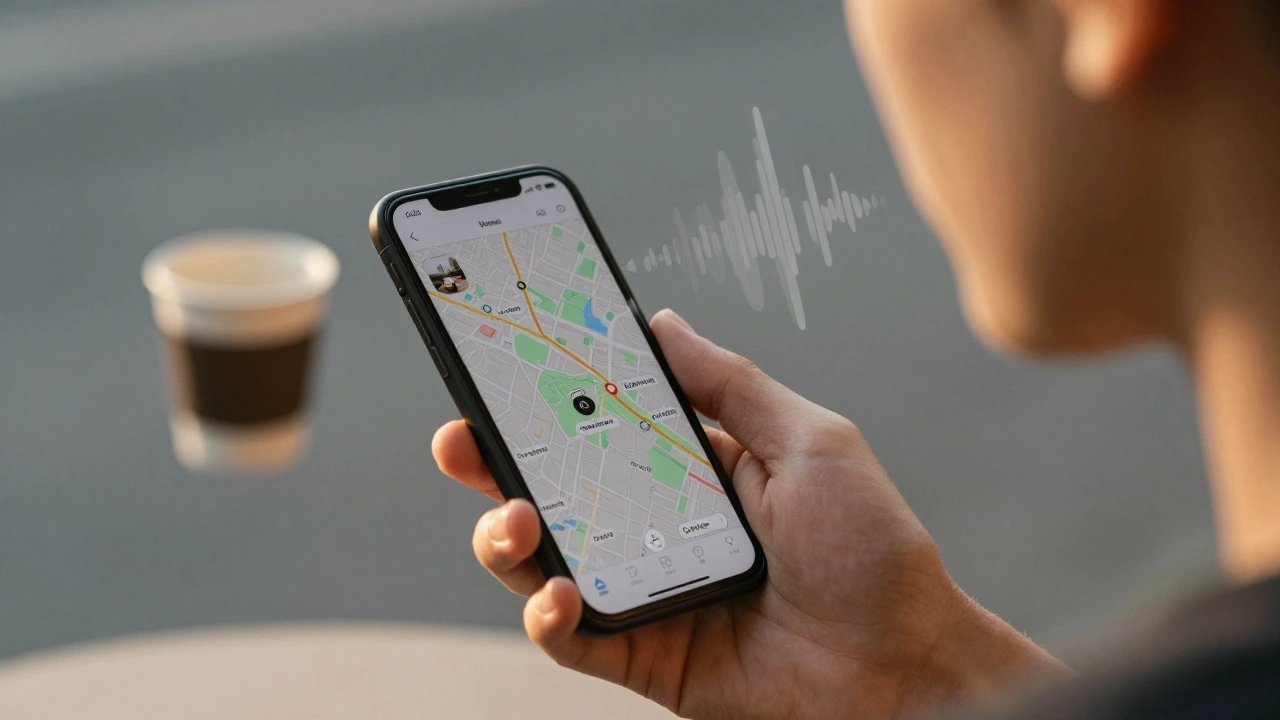
When you speak to your phone and it shows you a map of nearby coffee shops, or upload a screenshot of a broken dashboard and get back a written report with a corrected chart - that’s multimodal generative AI at work. It’s not just another AI upgrade. It’s a complete shift in how machines understand and respond to humans. Instead of typing words into a box and getting text back, you can now use voice, images, video, even sensor data - and the AI will respond with any combination of text, audio, visuals, or code. The key isn’t just having more inputs or outputs. It’s how well the system connects them.
What Makes Multimodal AI Different
Traditional generative AI, like early versions of ChatGPT, only handled one thing: text. You typed a question. It typed an answer. Simple. But real life doesn’t work that way. People don’t communicate in just words. They gesture. They show pictures. They raise their voice when frustrated. They point at screens. Multimodal AI tries to match that. It takes in text, images, audio, video - sometimes all at once - and understands the connections between them. For example, imagine a customer service rep gets a call where the user says, “My bill is wrong,” and simultaneously sends a photo of the invoice with a red circle around an error. A text-only AI would miss the visual clue. A multimodal system sees both. It reads the invoice text, matches it to the highlighted area, and generates a response like: “You’re being charged $45 for a service you canceled on June 12. Here’s a refund request form.” That’s cross-modal reasoning. It’s not just processing inputs. It’s linking them.Input Strategies: How to Feed the System Right
Getting good results starts with how you give the AI information. It’s not just about adding more types of data - it’s about structuring them so the AI can make sense of them together.- Combine context-rich inputs. Don’t just send a photo. Add a short text prompt: “This is my monthly expense report. The ‘Cloud Hosting’ line item looks off.” The text gives direction. The image gives detail. Together, they’re powerful.
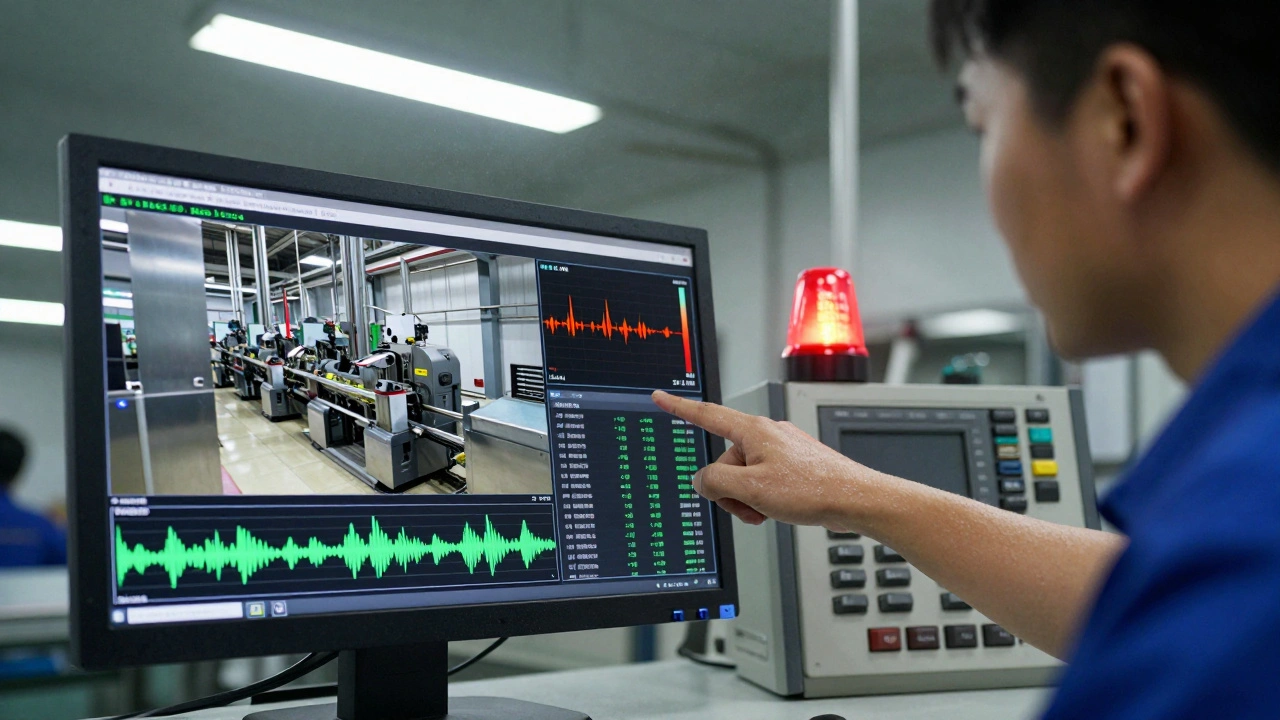
- Use structured data when possible. If you’re feeding sensor readings from factory equipment, pair them with timestamps and device IDs. A multimodal model can spot anomalies better when it sees that temperature spiked at 3:14 AM, right after a vibration alert.
- Avoid noisy or mismatched inputs. Sending a 10-minute video clip with a one-word prompt like “What’s happening?” won’t work well. The AI gets lost. Be specific: “In the last 15 seconds of this video, why did the conveyor belt stop?”
- Handle asynchronous inputs carefully. If a user speaks while uploading a document, the system needs to know which audio matches which file. Some platforms, like Google’s Vertex AI with Gemini, automatically align timestamps. Others require developers to build sync logic manually.
Best practice? Start small. Test with one extra modality at a time. If you’re used to text-only prompts, try adding one image. Then one audio clip. Watch how the output changes. You’ll quickly learn what combinations trigger the best responses.
Output Formats: What the AI Can Generate
The output isn’t limited to text anymore. A good multimodal system can return whatever makes sense for the task:- Text summaries - Explain a chart, translate a handwritten note, or draft an email based on a voice memo.
- Images and diagrams - Turn a description like “a dashboard showing sales by region with red flags for underperforming areas” into a visual. GPT-4o and Gemini can do this reliably.
- Audio responses - With real-time voice mode (like GPT-4o’s October 2024 update), the AI can respond with tone and emotion. It can sound concerned if you sound upset, or upbeat if you’re excited.
- Code snippets - If you show a screenshot of a broken UI and say, “Fix this button alignment,” the AI can return corrected HTML/CSS.
- Structured data - Extract tables from images and turn them into JSON. Convert meeting audio into a bullet-point summary with action items and timestamps.
Here’s a real example: A logistics company uses multimodal AI to process delivery receipts. Drivers take a photo of a signed form, record a quick voice note saying “Delivery delayed due to weather,” and upload the GPS log. The system combines all three: reads the signature, listens to the voice, checks the location data, and auto-generates a customer email with an apology, estimated new delivery time, and a discount code - all in under 30 seconds.
Which Models Work Best Today
Not all multimodal AI is equal. The top performers in late 2025 are:| Model | Best For | Key Strength | Limitation |
|---|---|---|---|
| GPT-4o (OpenAI) | Real-time voice and image interaction | Emotion detection in voice, fast response, strong image-to-text accuracy | Can’t handle 4K video streams in real time |
| Gemini 1.5 Pro (Google) | Long-context analysis (video, documents) | Processes up to 1 million tokens - can analyze full movies or multi-page reports | Slower on mobile devices; requires cloud processing |
| Claude 3 Opus (Anthropic) | Complex reasoning across text and images | Excellent at understanding legal docs, diagrams, and technical schematics | Weak audio input support; limited voice output |
If you’re building a customer service tool, GPT-4o’s voice tone detection helps reduce escalations. If you’re analyzing factory footage over hours, Gemini’s long-context window is unmatched. For legal or engineering workflows, Claude’s precision with diagrams and fine print wins.
What Goes Wrong - And How to Fix It
Even the best models stumble. Here are the most common issues developers face:- Inconsistent outputs - The AI describes the same image differently each time. Fix: Use prompt templates. Always ask for the same structure: “Describe the image in 3 sentences. Then list 3 key numbers visible.”
- Audio-video misalignment - The voice says “left side,” but the AI highlights the right. Fix: Use timestamped inputs. Sync audio and video frames before feeding them in.
- Overloaded inputs - Sending 10 images and 3 audio clips at once confuses the model. Fix: Prioritize. Ask users to submit one main input plus one supporting one.
- Ethical risks - The AI generates fake faces from voice samples or misidentifies people in video. Fix: Add human review layers. Never let multimodal AI make decisions about identity, health, or safety without oversight.
One team building a healthcare triage app found their AI was misreading skin rashes from low-light phone photos. They solved it by adding a simple rule: “Only analyze images taken with flash on and resolution above 1080p.” That cut errors by 73%.
Who’s Using This - And Why
Enterprise adoption is accelerating fast. According to Gartner, 67% of companies now use multimodal AI in some form. Here’s where it’s making the biggest impact:- Customer service - 42% of enterprises use it to handle complaints from screenshots, voice notes, and chat logs. Average handling time dropped 35%.
- Manufacturing - Factories use AI to watch video feeds from cameras and sensor data to predict equipment failures. One plant reduced downtime by 22%.
- Education - Apps now let students take a photo of a math problem, record themselves explaining it, and get a video tutor response - tailored to their voice tone and pace.
- Content creation - Marketers generate ad variations from a single prompt: “Show a family cooking in a kitchen with warm lighting, add upbeat music, and write a 15-second script.”
These aren’t experiments anymore. They’re production systems. And they’re getting better. Google’s September 2024 update let Gemini analyze full-length videos. OpenAI’s October update let GPT-4o detect frustration in a user’s voice. These aren’t gimmicks - they’re tools that make AI feel more human.
What’s Next
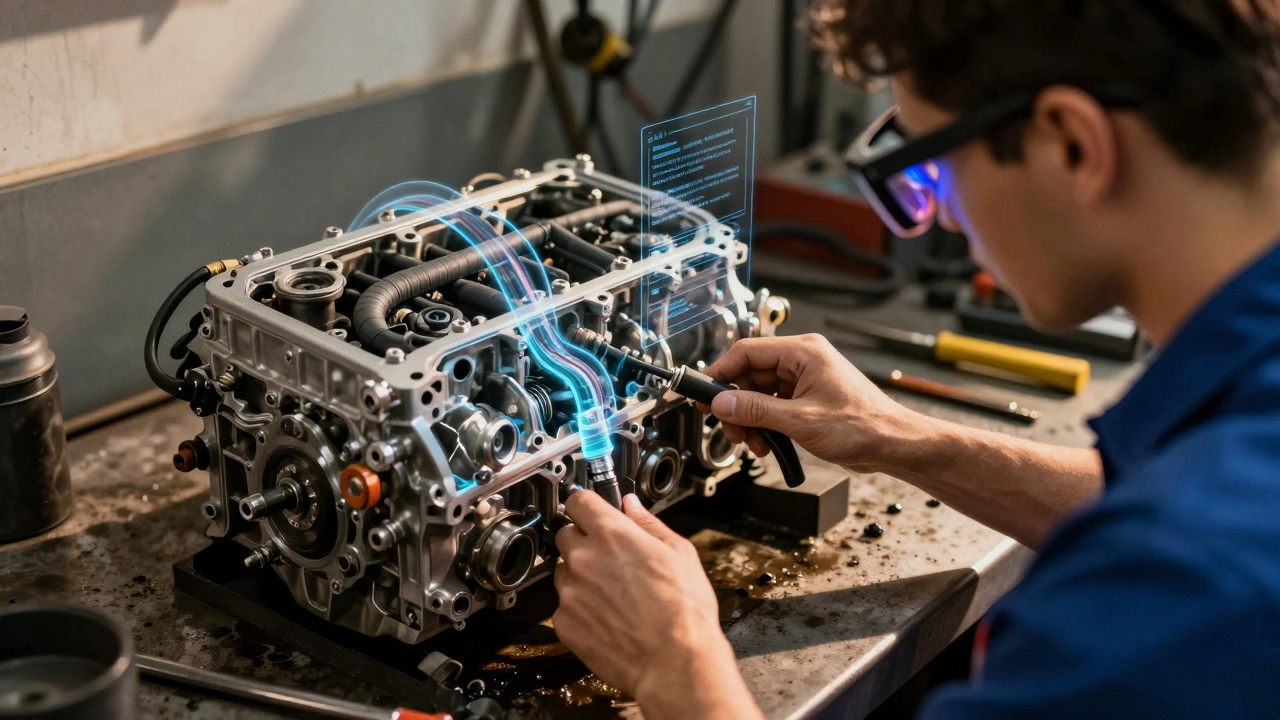
The next leap is spatial AI. Microsoft’s Mesh integration with GPT-4o lets users point at real-world objects through AR glasses, and the AI labels them, explains how they work, or even overlays instructions. Imagine a mechanic looking at an engine, asking, “Why is this hose leaking?” and seeing a 3D animation of the fault overlaid on the actual part.- By 2026, Forrester predicts a 200% jump in enterprise multimodal AI use.
- Healthcare and manufacturing will grow the fastest - 58% and 52% annual growth.
- Regulations are catching up. The EU AI Act (effective January 2025) now requires transparency for systems that process biometric data - like facial expressions or voice patterns.
The goal isn’t to replace humans. It’s to make them more powerful. The best multimodal AI doesn’t answer questions. It anticipates them. It doesn’t just generate content - it understands context. And that’s what turns a tool into a partner.
What’s the difference between multimodal AI and regular generative AI?
Regular generative AI, like early ChatGPT, only works with text. You type, it replies with text. Multimodal AI accepts and generates multiple types of data - text, images, audio, video - all together. It understands how they relate. For example, it can look at a photo of a broken phone screen and listen to your voice saying “It won’t turn on,” then generate a repair guide with diagrams and step-by-step instructions.
Do I need special hardware to run multimodal AI?
For most users, no. Cloud-based models like Gemini and GPT-4o handle the heavy lifting on remote servers. You just need a smartphone, laptop, or tablet with internet. But if you’re building a custom system that processes real-time video or sensor data locally - like in a factory - you’ll need powerful GPUs or TPUs. Google Cloud recommends specialized hardware for real-time analysis of multiple data streams.
Can multimodal AI make mistakes?
Yes - and they can be subtle. It might misread text in a blurry image, confuse similar-sounding words in audio, or misalign a voice clip with the wrong video frame. These errors are harder to spot than a text typo. That’s why human review is still critical for high-stakes uses like medical diagnosis, legal documents, or safety systems. Always test with real-world data, not just perfect examples.
What skills do I need to build multimodal AI apps?
You need Python, experience with APIs (like OpenAI or Google Vertex AI), and a basic understanding of how images and audio are processed. You don’t need to build the AI model from scratch - most people use pre-trained models. But you do need to know how to structure inputs, clean data, and handle outputs. Cross-functional teams help: NLP experts for text, computer vision specialists for images, and domain experts (like doctors or engineers) to validate results.
Is multimodal AI expensive to implement?
It depends. Using APIs from Google or OpenAI costs per token or per minute of processing - similar to text-only models. For simple apps, it’s affordable. But if you need to process thousands of videos or run real-time systems on-premise, hardware and cloud costs can climb. Start with a pilot: test one use case, like turning customer screenshots into support tickets. Measure the time saved. Then scale.
How do I know if my idea needs multimodal AI?
Ask: Do users naturally combine inputs? Do they show pictures while speaking? Do they point at screens? If yes, multimodal AI can help. If your users only type questions and get text answers, stick with text-only AI. Don’t add complexity just because you can. The best multimodal systems solve problems that were impossible with text alone.
E Jones
December 8, 2025 AT 20:08They're not just watching you-they're learning your voice, your face, your heartbeat through the mic and camera. Every time you upload a photo or speak to your phone, you're feeding a neural net that's stitching together your biometrics into a profile they'll sell to the highest bidder. This isn't innovation-it's surveillance capitalism dressed up as convenience. They say 'multimodal' like it's magic, but it's just a velvet rope around your soul. They know when you're lying. They know when you're sad. They know when you're lying about being sad. And they're not here to help you-they're here to monetize your vulnerability.
Remember when we used to write letters? No one could read your handwriting or hear your sighs. Now? Your tears are training data. Your laughter is a revenue stream. They call it 'personalization.' I call it digital vampirism.
And don't even get me started on the 'ethical risks' section. Human review? Please. The same people who built this are the ones 'reviewing' it. It's like letting the fox design the chicken coop and then patting itself on the back for not eating all the hens.
By 2026? We'll be walking around with AR glasses that label strangers' emotions and auto-generate sales pitches based on their micro-expressions. And we'll thank them for it. We'll say 'Wow, that was so helpful!' while our dopamine gets harvested like corn.
They're not building tools. They're building cages-with Wi-Fi.
They told us AI would make life easier. They didn't say it would make us easier to control.
Barbara & Greg
December 10, 2025 AT 02:48It is profoundly troubling that society has come to accept, even celebrate, the erosion of human dignity in the name of technological efficiency. The notion that a machine can-should-interpret our emotional states through voice tone or facial microexpressions is not progress; it is a moral failure. We are not data points to be optimized, nor are our vulnerabilities to be algorithmically exploited under the guise of 'personalization.'
The article casually references 'human review layers' as if that somehow absolves the system of its inherent intrusiveness. But who reviews the reviewers? And what moral framework guides them? There is no universal ethics committee overseeing the training of models that infer depression from a sigh or anger from a raised pitch.
Furthermore, the normalization of multimodal AI in healthcare, education, and customer service is dangerously premature. To entrust the interpretation of a rash, a math problem, or a customer complaint to a neural network trained on anonymized, biased, and often unverified datasets is not innovation-it is negligence dressed in Silicon Valley jargon.
We must ask: at what cost do we trade privacy for convenience? At what point does utility become domination? The answer, I fear, is already written-in the code, in the servers, in the silent, relentless harvesting of our humanity.
selma souza
December 11, 2025 AT 06:22The article contains multiple grammatical errors and inconsistent punctuation. For example, 'You type, it replies with text.' is a run-on sentence that requires a semicolon or conjunction. Also, 'GPT-4o’s October 2024 update' should be 'GPT-4o’s October 2024 update'-no apostrophe needed for plural decades. The phrase '1080p' is correctly formatted, but '4K video streams' should be hyphenated as '4K-video streams' when used adjectivally.
Additionally, the table header is malformed: 'Comparison of Leading Multimodal AI Models (2025)' should be a caption, not a table row. The use of 'they' as a singular pronoun in 'they know when you're lying' is nonstandard in formal writing. And 'emoticon avoider' is not a recognized term-it should be 'emoticon-averse.'
Finally, the section on 'ethical risks' mentions 'human review layers' without defining what constitutes a 'layer.' Is it a person? A process? A department? Ambiguity like this undermines credibility. This article reads like a draft, not a professional guide.
James Boggs
December 12, 2025 AT 10:36This is a really clear and practical breakdown. I especially appreciate the advice to start small-test one modality at a time. Too many teams try to build a full multimodal system on day one and end up with a mess.
The examples with customer service and factory sensors are spot-on. Real-world use cases matter more than buzzwords.
Also, the point about structured data with timestamps is gold. That’s something I wish more developers thought about upfront.
Thanks for writing this. It’s exactly the kind of grounded guide I needed.
Addison Smart
December 13, 2025 AT 21:00I’ve spent the last year building multimodal interfaces for rural healthcare clinics in Latin America, and what struck me wasn’t the tech-it was the humanity behind it. A grandmother in Oaxaca doesn’t speak Spanish fluently, but she can point to her chest and hum a tune when she’s in pain. The AI didn’t need to understand her words-it needed to understand her gesture, her tone, her silence.
That’s what this is really about: bridging gaps that language alone can’t. Not just text-to-image, but heart-to-machine. We’re not replacing doctors-we’re giving them superpowers. A nurse in a remote village can now show a photo of a rash, play a recording of a child’s cough, and get a differential diagnosis in seconds. No PhD required.
Yes, there are risks. Yes, we need guardrails. But let’s not let fear of misuse blind us to the lives we’re saving. In places where doctors are a 12-hour bus ride away, this isn’t a luxury-it’s a lifeline.
And the cultural nuance? It’s everything. The same facial expression that means ‘pain’ in one culture means ‘thoughtfulness’ in another. That’s why we partnered with local healers to co-train the models. The AI doesn’t know what ‘normal’ looks like. We do.
This isn’t about AI becoming human. It’s about helping humans be more human-to each other, through technology.
David Smith
December 14, 2025 AT 09:36Ugh. Another one of these 'AI is the future' think pieces. Look, I get it-you’re excited. But let’s be real. This stuff is still garbage 90% of the time. I showed my phone a photo of my dog and asked ‘What breed?’ and it said ‘a sentient toaster.’
And don’t even get me started on voice emotion detection. I sigh because I’m tired, not because I’m ‘frustrated.’ But now the AI thinks I’m mad at it and starts apologizing in a soothing tone like I’m a toddler. No. Just no.
They keep saying ‘it’s getting better.’ Okay, so was the dial-up internet. That doesn’t mean I want to pay for it.
Also, why is everyone acting like this is new? We had voice assistants in 2012. We had image recognition in 2015. Now it’s just a fancy combo pack with a TED Talk soundtrack.
Save the hype. I’ll believe it when my AI can tell me why my Wi-Fi is slow without asking me 17 questions first.
Michael Jones
December 15, 2025 AT 00:42Imagine a world where your phone doesn’t just answer your questions but anticipates them before you form them
Where a child’s drawing of a dinosaur becomes a 3D model they can walk around
Where a tired parent’s whispered plea for help is met not with a robotic response but with a warm voice saying I’m here
This isn’t about code or models or tokens
This is about connection
Technology should feel like air-not something you notice until it’s gone
We’ve spent decades building machines that think like us
Now we’re building ones that feel like us
And that changes everything
Don’t fear the shift
Lean into it
Let it make you more human
Not less
allison berroteran
December 15, 2025 AT 02:28I’ve been experimenting with multimodal AI in my classroom for the past six months, and what’s surprised me most isn’t the accuracy-it’s the quiet moments. A student who never speaks up in class took a photo of a math problem they couldn’t solve, recorded themselves whispering their thoughts, and the AI responded with a gentle, step-by-step video explanation in their own voice tone. They cried. Not because it was hard-but because for the first time, they felt understood.
It’s not about replacing teachers. It’s about giving every student a tutor who never gets tired, never gets frustrated, and never judges. One kid who struggled with dyslexia started using the AI to turn handwritten notes into audio summaries, then used the voice output to rehearse presentations. His confidence grew. His grades improved. His smile returned.
And yes, the tech isn’t perfect. Sometimes it misreads handwriting. Sometimes it misunderstands tone. But we learned together. We tweaked prompts. We added context. We treated it like a collaborator, not a black box.
What I’ve realized is this: the most powerful multimodal systems aren’t the ones with the most tokens or the fastest GPUs-they’re the ones that listen with patience. That pause. That wait. That human rhythm.
Maybe the real breakthrough isn’t in the algorithm.
Maybe it’s in the silence between the inputs.
That’s where connection begins.