When Vibe Coding Works Best: Project Types That Benefit from AI-Generated Code
 Aug, 5 2025
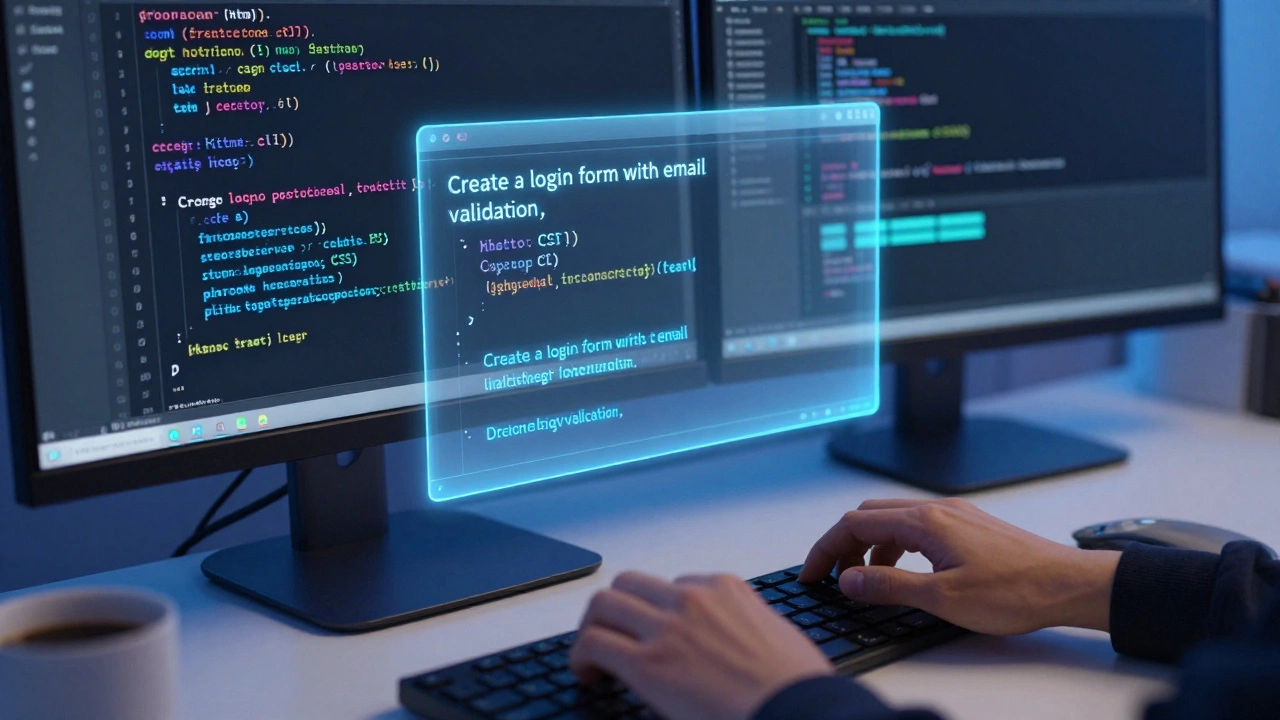
Have you ever typed a comment like "create a login form with email validation" and watched your editor spit out working HTML, CSS, and JavaScript in under a second? That’s vibe coding. It’s not magic - it’s AI tools like GitHub Copilot, Amazon CodeWhisperer, and Google AI Studio helping you write code faster by predicting what you need next. But it’s not a magic wand. Some projects thrive with it. Others fall apart. Knowing when to let AI take the wheel makes all the difference.
Standard Business Apps Are AI’s Sweet Spot
Think about the boring stuff: user registration, product catalogs, order tracking, dashboard widgets. These aren’t flashy, but they’re everywhere. And they’re full of repetition. You need forms. You need API calls. You need to connect a database. You need to display data in a table.That’s where AI shines. GitHub’s own data shows developers using Copilot complete these kinds of tasks 55% faster. Why? Because the patterns are predictable. A login screen in React? Done a thousand times. A REST endpoint that fetches user data from PostgreSQL? Same structure, different variable names. AI has seen millions of these. It doesn’t guess - it recalls.
One developer at a mid-sized SaaS company told me they used AI to build their entire customer portal in two weeks. Normally, that would’ve taken six. The AI handled the CRUD operations - Create, Read, Update, Delete - perfectly. They only had to tweak the styling and fix two small validation bugs. That’s the real win: speed without sacrificing function.
API Integration? AI’s Got Your Back
Connecting your app to Stripe, Slack, or Google Maps used to mean hours of reading documentation, copying sample code, and debugging auth errors. Now? You type: "Send a Slack message when a new user signs up using Node.js and the Slack Web API".AI tools like CodeWhisperer and Copilot generate working code snippets in seconds. They know the exact endpoint URLs, required headers, and payload formats because they’ve been trained on public codebases where people have done this exact thing before. AWS claims their CodeWhisperer hits 92% accuracy on AWS-native integrations - like generating Lambda functions that trigger off S3 uploads. That’s way higher than general-purpose tools.
Startups are using this to ship integrations overnight. One founder told me they added payment processing to their app in a single afternoon. Without AI, they’d have spent a week just learning the API. Now they’re focused on what matters: user feedback, not boilerplate.
Test Files and Documentation? Automate It All
Nobody likes writing tests. Or documentation. But both are critical. And both are formulaic.AI can generate unit tests from your function signatures. Give it a function that calculates tax based on state, and it’ll write tests for edge cases: negative numbers, null inputs, boundary values. Salesforce engineers reported cutting documentation time from 20 hours per API endpoint down to 5 - just by pointing Copilot at their Swagger files.
It’s not perfect. Sometimes the tests are too basic. Sometimes the docs sound like a robot wrote them. But they give you a starting point. You don’t have to write from scratch. You just polish. That’s 70-80% of the work gone. In fast-moving teams, that’s hours saved every week.
UI Components Are Where AI Really Cuts Through the Noise
Building buttons, modals, cards, and forms in React, Vue, or Angular? AI eats that for breakfast.Google’s Project IDX generates React components with 89% functional accuracy - meaning the component works out of the box 9 times out of 10. You say: "Create a responsive navbar with dropdown menu, dark mode toggle, and mobile hamburger button". It gives you a full component with Tailwind classes, event handlers, and accessibility attributes.
E-commerce teams are using this to build product pages 40-55% faster. One company reduced their frontend dev cycle from 3 days to 18 hours. They still had to adjust spacing and colors, but the structure? Done. That’s not just speed - it’s consistency. Everyone’s buttons look the same because the AI used the same pattern every time.
Legacy Code Modernization? A Hidden Power Move
Ever had to convert a 10-year-old PHP app to React? Or translate COBOL to Java? That’s nightmare fuel. But AI is surprisingly good at it.Dr. Chris Lattner, creator of Swift, says AI tools are 40-60% faster at modernizing legacy code because they recognize patterns across languages. One Reddit user converted 10,000 lines of COBOL to Java in three weeks - a job estimated at three months. The AI didn’t understand the business logic. But it understood syntax. It saw "MOVE 1 TO COUNTER" and translated it to "counter = 1;". Then it handled loops, conditionals, and file I/O based on context.
It’s not flawless. You still need someone who understands the old system to validate the output. But AI turns a months-long migration into a weeks-long sprint.

Where Vibe Coding Fails - And Why
AI isn’t a replacement for human judgment. It’s a co-pilot. And co-pilots can’t fly a plane through a storm if they’ve never seen one.Complex algorithms? Bad idea. If you’re building a new machine learning model, optimizing a pathfinding algorithm, or writing custom financial risk calculations, AI will give you code that looks right but is mathematically wrong. IBM Research found accuracy drops to 42% for enterprise logic outside common patterns.
Security-critical code? Risky. A University of Washington study found AI-generated authentication code had security flaws in 40% of cases. It’ll generate a login that works - but forgets to hash passwords, skip rate limiting, or leave sessions open. You can’t trust it with anything that handles money, data, or access.
And then there’s idiomatic code. AI doesn’t know your team’s style. It might generate React code using class components when your team uses hooks. Or write Python with print() statements instead of logging. You’ll spend more time refactoring than you saved.
What You Need to Make It Work
Vibe coding isn’t about typing faster. It’s about working smarter.- Give context. Don’t just say "make a form". Say "Create a React form with email, password, and remember me checkbox. Use Formik for validation. Submit to /api/login with POST. Show error messages below each field." Developers who add 3+ sentences of context see 47% better results.
- Review everything. Treat AI code like a junior dev’s PR. Read it. Test it. Ask: "Does this handle edge cases? Is this secure? Is this how we write code here?" Teams with mandatory code reviews cut bugs by 63%.
- Know your limits. Don’t use AI for encryption, authentication, or financial logic unless you’re prepared to audit every line. Use it for UI, data flow, and boilerplate - the stuff that’s repetitive, not risky.
- Use the right tool. GitHub Copilot is great for general use. CodeWhisperer wins for AWS projects. Tabnine is best if you need code to stay private. Pick based on your stack, not hype.
The Bottom Line
Vibe coding isn’t about letting AI write your whole app. It’s about letting it do the boring parts so you can focus on the hard stuff.Use it for:
- Standard business apps with forms and data tables
- Connecting to third-party APIs
- Generating tests and documentation
- Building UI components
- Modernizing old code
Avoid it for:
- Security-critical systems
- Complex algorithms
- Novel architectures
- Anything where a single bug could cost money or data
The best developers aren’t the ones who write the most code. They’re the ones who know when to let AI write it for them - and when to take the wheel themselves.
Paritosh Bhagat
December 10, 2025 AT 03:00Bro, I used Copilot to build a whole CRM dashboard last week and it literally wrote 80% of the code. I just had to fix the color scheme and one dumb typo where it used 'em' instead of 'px' for margins. It’s like having a junior dev who never sleeps but also doesn’t know when to stop drinking coffee. Still, saved me 3 days. 🤖☕
Ben De Keersmaecker
December 10, 2025 AT 13:40It’s fascinating how AI replicates patterns but never understands context. I’ve seen it generate perfectly valid React components that violate our team’s accessibility guidelines because it doesn’t know we use aria-labels religiously. The tool doesn’t care about culture-it just optimizes for syntax. That’s not intelligence. That’s statistical mimicry.
Aaron Elliott
December 11, 2025 AT 08:58One must consider the epistemological implications of delegating cognitive labor to algorithmic systems. If code is a language of logic, and AI generates that language without intentionality, then is the resulting artifact truly 'code'-or merely a syntactic echo of human labor? The reduction of software engineering to pattern recognition is not progress; it is the commodification of thought. Moreover, the claim that AI 'understands' context is a linguistic fallacy. It correlates, it does not comprehend.
Furthermore, the assertion that AI improves productivity is statistically skewed by survivorship bias. We hear from the developers who succeeded, not the ones whose AI-generated authentication layer leaked user tokens. The risk-reward calculus is not as favorable as the hype suggests.
Chris Heffron
December 11, 2025 AT 22:40LOL I tried asking it to 'make a button that does stuff' and it gave me a full React component with 12 hooks, a custom hook for the button state, and a TypeScript interface I didn’t even ask for. I just wanted a
Nick Rios
December 12, 2025 AT 23:57I’ve used AI for UI stuff and docs and it’s been a game-changer. But I always run it through a linter and a teammate before merging. It’s not about replacing humans-it’s about removing the friction so we can focus on the hard problems. Also, I’ve started using it to explain legacy code to new devs. It translates COBOL comments into plain English better than I can. 🙌
Amanda Harkins
December 14, 2025 AT 23:50Yeah but have you tried using it on a team where someone still writes jQuery? It just makes everything worse. I saw it generate a Vue component using class-based syntax when the whole app is composition API. Took me an hour to fix it. AI doesn’t read the vibe. It just reads the training data.
Jeanie Watson
December 15, 2025 AT 03:58Just used CodeWhisperer to auto-generate 200 lines of test files for our new API. Took 90 seconds. I read through it, deleted half of it, fixed the rest, and moved on. It’s not perfect-but it’s the fastest way to get a skeleton. I don’t have time to write tests from scratch anymore. Neither should you.