Consistent Naming Conventions in AI-Generated Codebases: A Practical Guide
 Apr, 23 2026
The real problem is that AI tools often default to the most common patterns in their training data rather than the specific needs of your project. While GitHub Copilot is a powerhouse for speed, it can be generic. If you don't provide guardrails, you'll end up with a "Frankenstein codebase" where different files follow different logic. To keep your project maintainable, you need to move from reactive fixing to proactive enforcement.
Why AI Needs Naming Guardrails
In the past, we wrote style guides so other humans could read our code. Now, we need naming conventions so the AI can read our code. As Molisha Shah from Augment Code pointed out, coding standards are now about making code readable to the systems that help us write it. When an AI sees a variable named `user_account_balance` instead of `val2`, it understands the semantic context. This "semantic glue" allows the AI to suggest more accurate logic and find bugs faster.
The cost of ignoring this is high. Teams that enforce strict naming see 28% faster onboarding for new developers and 22% fewer merge conflicts. Without these rules, you're likely wasting nearly 20 hours per developer every month on tedious revisions. It's the difference between a codebase that scales and one that collapses under its own technical debt.
Tool-Specific Behaviors and Trade-offs
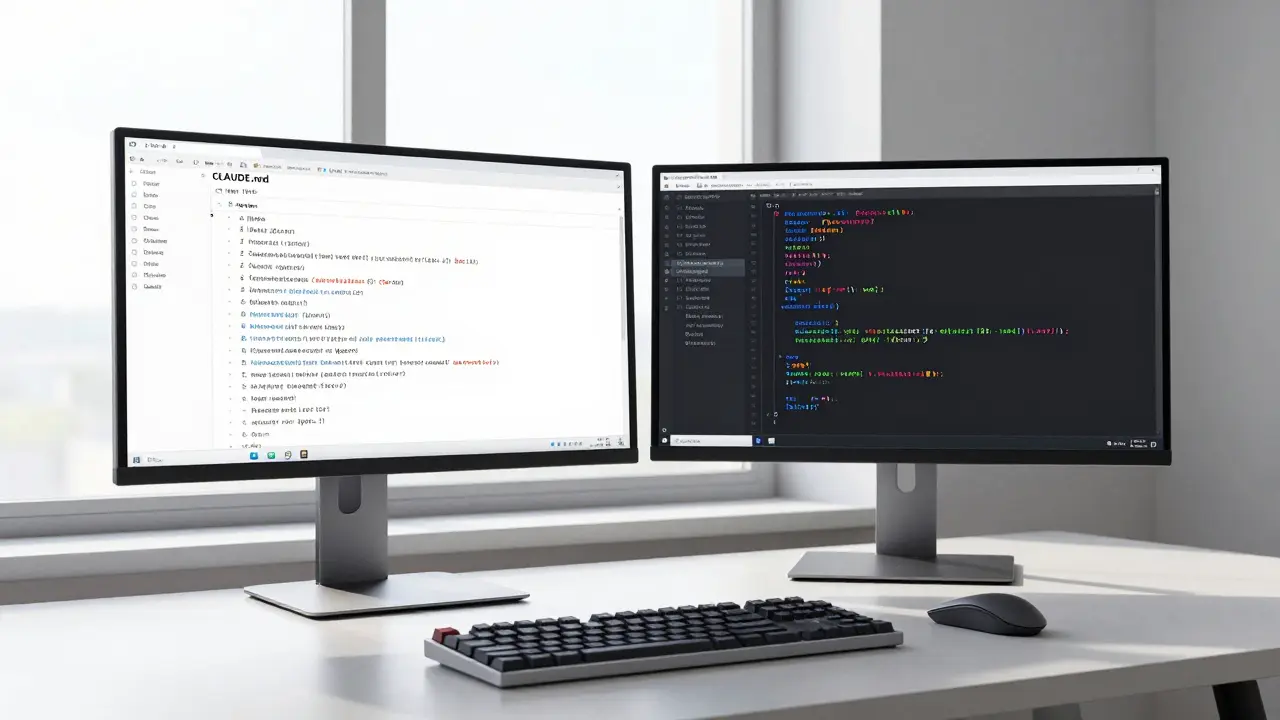
Not all AI assistants handle naming the same way. If you're using Claude Code, you have a significant advantage through the use of a CLAUDE.md file. This document acts as a living set of instructions that the AI references constantly. Teams using this approach hit 92% consistency across files, compared to about 78% for those relying on default settings in other tools.
On the other hand, Gemini Code is great at staying consistent within a single file but often loses the thread when moving across a large project. If you're working in a polyglot environment (mixing languages like Python and Go), the risk increases. Over half of polyglot teams report that AI tools struggle to switch naming styles correctly between languages without explicit prompts.
| Tool | Naming Strength | Main Weakness | Best Management Method |
|---|---|---|---|
| GitHub Copilot | General industry patterns | Generic identifiers (e.g., "data") | Custom prompt templates |
| Claude Code | Project-specific context | Requires manual setup of .md files | CLAUDE.md documentation |
| Gemini Code | Single-file consistency | Cross-file alignment | Detailed file-level context |
Language Standards You Should Enforce
You don't need to reinvent the wheel. Use established industry standards to tell your AI exactly how to behave. For Python, that means PEP 8, which mandates snake_case for functions and variables. For Java, follow the Google Java Style Guide's camelCase requirements.
The trick is to be specific in your prompts. Instead of saying "Use Python standards," try: "Generate Python code following PEP 8 standards, using snake_case for variables, docstrings for all functions, and type hints for parameters." Adding a few concrete examples-like telling the AI to use a user_* prefix for database fields-can drastically reduce the number of iterations needed to get the code right.
Automating Enforcement with the CI/CD Pipeline
Relying on a human to catch a naming error in a code review is a waste of time. By the time a human sees it, the AI has already built three other functions based on that bad name. You need automated gates. Implementing pre-commit hooks can reduce naming violations by a staggering 89%.
Depending on your stack, you should integrate these tools into your pipeline:
- Python: Use Black for formatting and Flake8 for linting.
- JavaScript: Use Prettier to ensure consistent styling across the team.
- Go: Use gofmt to maintain the language's native strictness.
When these tools are paired with a version control system like Git, you create a safety net that prevents inconsistent code from ever reaching the main branch. A senior engineer on Reddit recently noted that their AI code acceptance rate jumped from 58% to 89% just by adding Black and Flake8 hooks.

The Strategic Roadmap for AI Code Maintainability
If you're just starting to clean up your AI-generated code, don't try to fix everything at once. It usually takes a team about two to three weeks to settle into a new naming protocol. Start by documenting patterns from 5-10 of your best existing files. Use these as "gold standard" examples in your AI prompts.
Looking forward, keep an eye on features like GitHub Copilot's "Style Memory," which aims to automate this by analyzing your existing code. However, until these tools are perfect, the responsibility lies with the lead developer to define the rules. In regulated industries like finance or healthcare, this is becoming a legal necessity under standards like IEEE P2851, which specifically addresses naming consistency in AI-assisted work.
Why does AI generate generic names like 'data' or 'result'?
AI models are trained on massive datasets where generic names are common. Without specific project context, they default to the most statistically probable (but least descriptive) terms. Providing examples of your project's specific domain language in prompts helps the AI move past these generics.
What is a CLAUDE.md file and how does it help?
A CLAUDE.md file is a project-level instruction document used by Claude Code. It stores style guidelines, naming conventions, and architectural rules. Because the AI references this file during every interaction, it ensures that naming remains consistent across different files and sessions.
How much time can we save by enforcing naming conventions?
According to Anthropic's internal data, properly configured naming conventions can reduce AI code generation iteration time by 43% and decrease the time spent in human review by 31%.
Do I really need a linter if the AI is already following my prompt?
Yes. AI can still "hallucinate" or slip back into generic patterns, especially during long sessions or complex refactors. A linter provides an objective, automated check that ensures 100% adherence, whereas prompts only provide a high probability of adherence.
What happens if I ignore naming consistency in an AI codebase?
Gartner indicates that teams neglecting this will see technical debt accumulate 3.2x faster. This leads to higher bug rates during refactoring and significantly slower onboarding for new team members.
Next Steps for Your Team
If you're a Tech Lead, your priority is infrastructure. Set up the pre-commit hooks and the project-level documentation (like CLAUDE.md) immediately. Don't leave it to the developers' discretion.
If you're a Developer, start refining your prompts. Stop accepting temp_var or result. Every time you rename an AI-generated variable, update your prompt template or style guide so the AI learns the correct pattern for the next time. The goal is to stop being a "code cleaner" and start being a "code architect."
Kristina Kalolo
April 23, 2026 AT 20:39The point about semantic glue is interesting. It suggests that naming isn't just for humans anymore but is actually a form of prompt engineering embedded in the source code itself.
Megan Blakeman
April 24, 2026 AT 14:40This is so true!!! I love the idea of making things easy for everyone... including the AI!!! It just makes the whole vibe of coding so much more peaceful... 🌸
Akhil Bellam
April 25, 2026 AT 20:42Imagine being so inept that you actually need a guide to stop your AI from naming things 'data1'... absolutely pedestrian!!! The sheer lack of intellectual rigor in modern software engineering is positively staggering, isn't it???
Robert Byrne
April 26, 2026 AT 08:09I can't believe people are still debating this. If you aren't using pre-commit hooks, you're basically just inviting trash into your repo. Get your act together and automate the boring stuff before you ruin the project for everyone else!
ravi kumar
April 27, 2026 AT 06:33Adding a few gold standard examples is a great way to help a junior dev get used to the project style. It provides a safe way to learn without feeling overwhelmed by too many corrections during review.
Renea Maxima
April 28, 2026 AT 04:03Who cares about naming consistency? 🙄 It's all just abstractions of abstractions anyway. We're just rearranging digital furniture while the house burns down. 🤷♀️
Jeremy Chick
April 29, 2026 AT 23:12Stop whining about the names. Just use a global search and replace if you're that bothered. Most of this 'systemic risk' talk is just corporate fluff to sell more tooling.
Sagar Malik
May 1, 2026 AT 00:47The ontological shift here is obvious. We are witnessing the emergence of a symbiotic heuristics-based syntax where the LLM's latent space is modulated by our orthographic choices. The industrial-complex is just hiding the fact that these tools are actually just stochastic parrots mimicking a decayed version of our own cognitive biases. If you think a CLAUDE.md file solves the deep architectural dissonance, you're just drinking the kool-aid of the silicon valley technocracy. It's a thin veneer of order over a chaotic void of token predicitons. Truly, the epistemic fragility of our current CI/CD pipelines is a joke. We're basically building skyscrapers on quicksand and calling it 'agile development.' The lack of formal verification in these AI loops is a ticking time bomb for any system requiring actual deterministicity.
Seraphina Nero
May 1, 2026 AT 23:35I really like how this explains things simply. It's a good reminder to be patient with the tools and just give them a bit more direction.
Amber Swartz
May 3, 2026 AT 04:35The absolute nerve of Copilot to just give me 'result_final' for the tenth time today. I'm actually losing my mind here. It's not just a 'generic identifier,' it's an insult to my intelligence!