Enterprise Integration of Vibe Coding: Embedding AI into Existing Toolchains
 Mar, 18 2026
Enterprise teams aren’t just using AI to write code anymore-they’re letting it build entire systems. This isn’t science fiction. By early 2026, vibe coding has moved from a buzzword to a core part of how companies ship software. It’s not about replacing developers. It’s about giving them superpowers. When an engineer says, "Build me a dashboard that pulls data from SAP and updates Salesforce in real time," the AI doesn’t just spit out a rough draft. It generates production-ready code, runs automated tests, flags security flaws, and even suggests fixes-all while staying inside the company’s guardrails. The result? Internal tools that used to take weeks now ship in days.
What Exactly Is Vibe Coding?
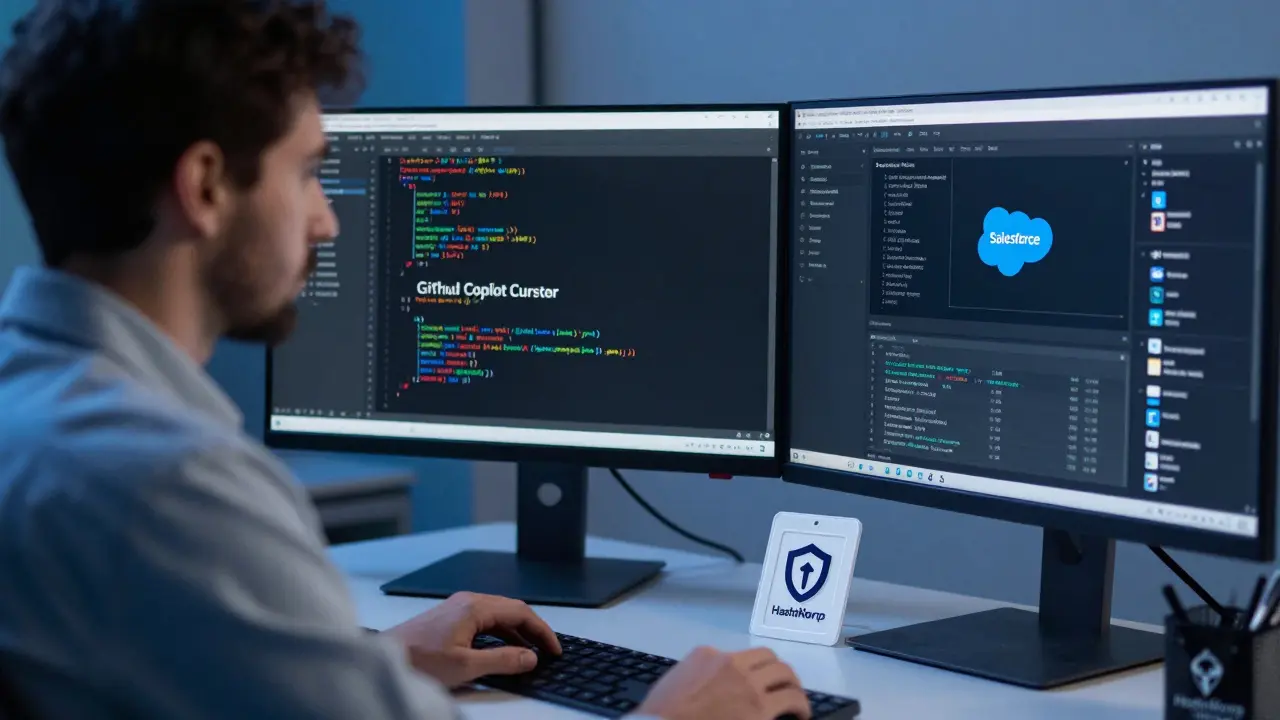
Vibe coding isn’t just autocomplete on steroids. It’s a workflow where AI handles the heavy lifting: writing, testing, debugging, and even documenting code-all based on natural language prompts. But unlike consumer tools that work in isolation, enterprise vibe coding is built with structure. It’s layered. You’ve got AI-powered IDEs like Cursor or GitHub Copilot running on a developer’s machine. Then there’s an orchestration layer that coordinates multiple AI agents. And finally, governance middleware that locks everything down: who can access what data, what security policies apply, and how changes are tracked.
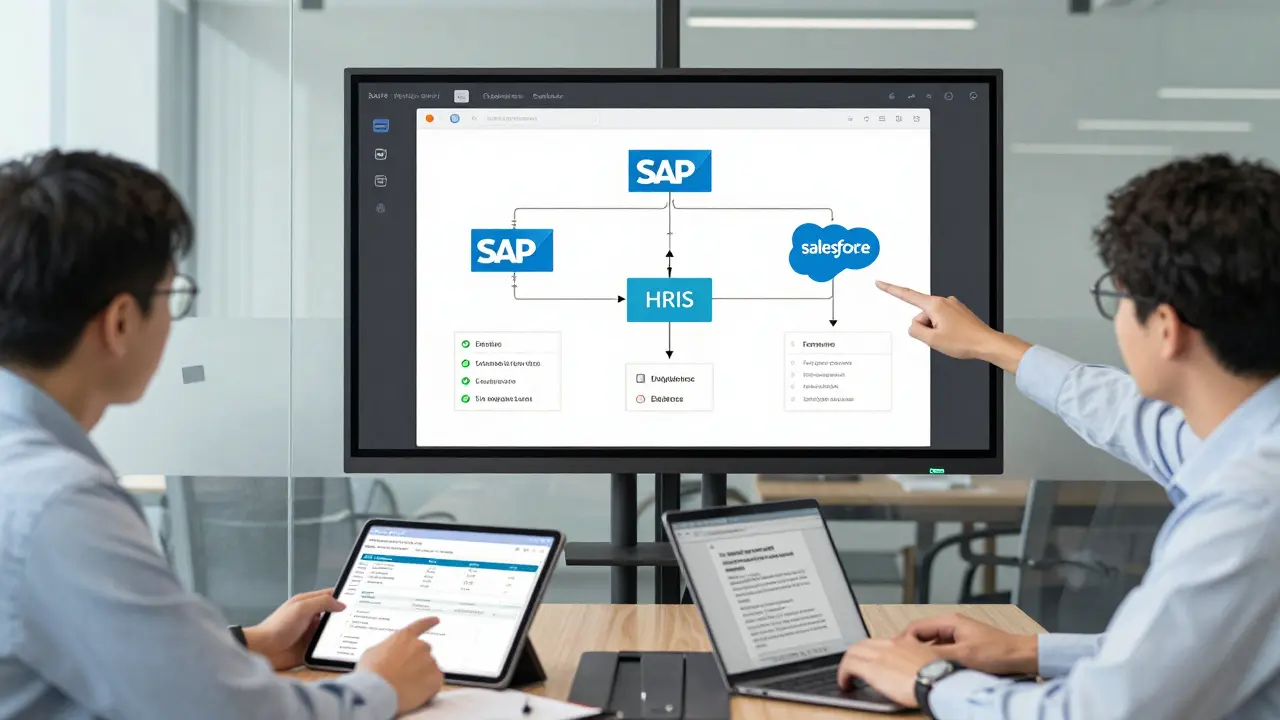
Companies like ServiceNow and Salesforce have built this into their platforms. ServiceNow’s January 2026 update lets you describe a workflow in plain English, and the system auto-generates the integration between your ERP, HRIS, and CRM-no manual API calls needed. Salesforce’s Agentforce Builder does the same, with visual flow designers that let non-developers sketch out logic while engineers fine-tune the AI’s output. The key difference from earlier AI tools? These systems don’t just generate code. They self-audit. They check for compliance with internal coding standards. They log every change. They roll back if something breaks.
Why This Isn’t Just Another Coding Assistant
Most developers have used AI assistants like GitHub Copilot. They’re great for boilerplate or refactoring. But they don’t connect to your company’s SSO, don’t know your data policies, and can’t guarantee your code won’t leak customer info. Enterprise vibe coding fixes that.
Take security. In 2025, Virtasant found that 68% of custom AI projects failed because they couldn’t integrate with existing systems. Why? Because the AI didn’t know how to authenticate against Active Directory or handle encrypted secrets. Enterprise-grade vibe coding solves this with three pillars:
- Secure-by-design backends-tools like Semgrep and CodeQL scan every line of AI-generated code for vulnerabilities before it even leaves the dev environment.
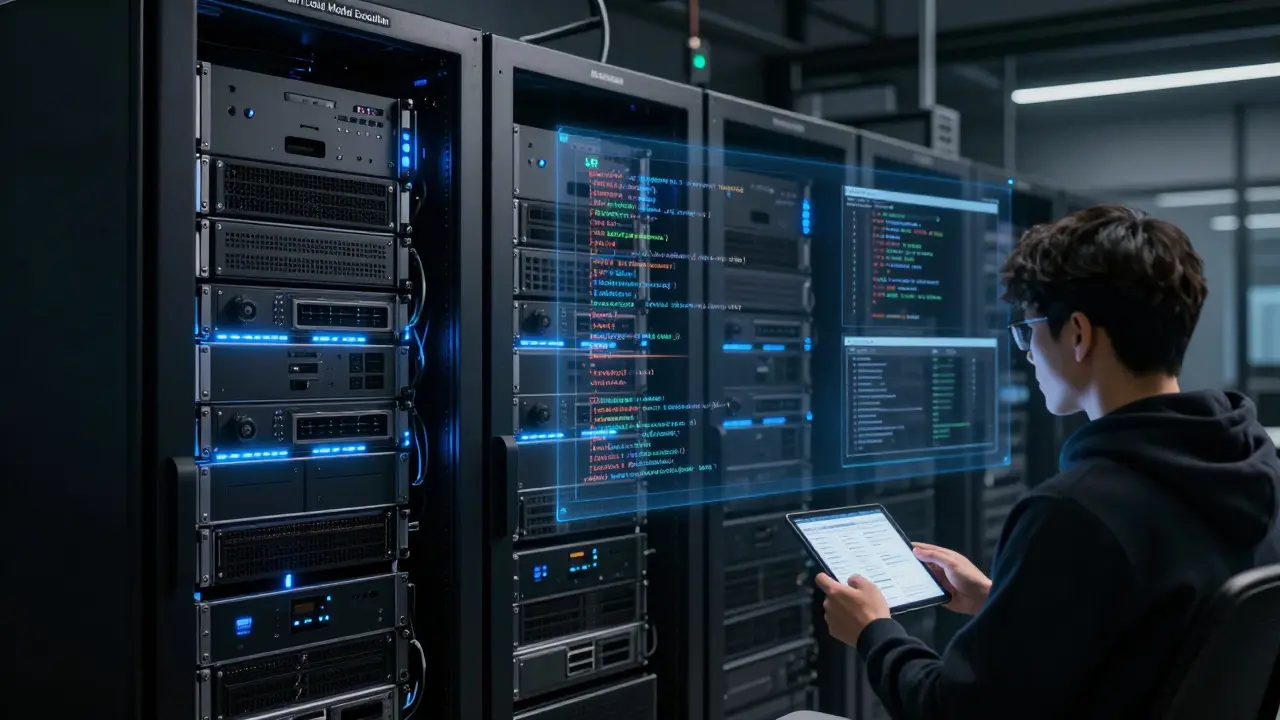
- Local model execution-for banks or hospitals, AI models run on-premises. No data leaves the firewall.
- Dynamic secrets management-HashiCorp Vault automatically rotates API keys and credentials used by AI agents, so no hardcoded passwords slip through.
And it’s not just about security. It’s about sustainability. A Genpact study showed that unmanaged vibe coding projects increased total cost of ownership by 35-50% because teams got stuck maintaining AI-generated spaghetti code. Enterprise implementations avoid this by requiring human oversight at every major step. The AI writes the code. The engineer reviews it. The system logs why changes were made. No black boxes.
Where It Actually Works-And Where It Fails
Not every use case is equal. The data shows vibe coding shines in three areas:
- Internal tools-Salesforce reports a 90% reduction in development time for dashboards, reporting tools, and workflow automations. What used to take 3 weeks now takes 3 days.
- Legacy modernization-Genpact found companies cutting migration timelines by 40% when AI helps translate old COBOL or VB6 systems into modern APIs.
- Workflow automation-ServiceNow’s internal metrics show AI-generated automations have 92% fewer errors than manually coded ones. Why? Because the AI checks for edge cases humans miss.
But there are landmines. The biggest? Trying to go from zero to full automation in one go. Reddit threads from January 2026 are full of engineers who said, "I told the AI to build a customer onboarding system," and got back 47 files of half-working code that didn’t talk to their authentication server. The result? A 41% rewrite rate, according to Genpact. Failed projects almost always skip the phased approach.
Another pitfall: ignoring the learning curve. Teams without prompt engineering skills take 8-10 weeks to get productive. Those with training hit 80% of their potential in two weeks. This isn’t magic. It’s a new skill set. You need to know how to write clear prompts, how to debug AI behavior, and how to test its outputs-not just read the code.
How to Start Without Burning Out
There’s no shortcut to success here. Virtasant’s December 2025 guide lays out a clear path:
- Start with your IDE-Enable Cursor or Copilot in VSCode. Let developers use it for small tasks: writing unit tests, generating documentation, or refactoring old functions. This builds familiarity without risk.
- Focus on internal tools-Pick one low-stakes project. Maybe a report that pulls data from Excel and sends it to Slack. Define clear requirements. Keep the scope small. Let the AI build it. Review every line.
- Break big tasks into steps-Instead of saying, "Build a CRM sync," say, "First, connect to Salesforce API. Then, map fields. Then, handle errors." Each step gets reviewed before moving on.
- Build your own patterns-Once a few teams succeed, document what worked. Create templates. Train new hires. Turn one-off wins into repeatable processes.
Documentation matters. Early adopters failed because they had no guides. ServiceNow’s January 2026 update included governance docs rated 4.7/5 by users. That’s not an accident. It’s a requirement.
The Skills You Need Now
If you’re still thinking in terms of "Java developer" or "Python engineer," you’re behind. The new role is "AI-augmented developer." You need to know:
- Prompt engineering-not just "write code," but "write code that handles null values, logs errors to Datadog, and passes our security scan."
- Model debugging-why did the AI generate a function that calls an API twice? What context was missing?
- AI testing-how do you test code the AI wrote? You need unit tests, integration tests, and "hallucination checks"-looking for code that makes up fake functions or libraries.
- Orchestration-understanding how multiple AI agents work together. One might handle UI, another the API, a third the database. You need to glue them together.
- Cloud-native infrastructure-AI-generated code runs in containers, uses serverless functions, and depends on APIs. You need to know how to deploy and monitor it.
Companies are already hiring for these skills. Genpact’s 2025 survey found that 62% of engineering leads now prioritize AI fluency over traditional language expertise.
The Future: Smarter Guardrails and Embedded AI
The next leap isn’t just faster code. It’s smarter governance. ServiceNow’s January 2026 update introduced "human-in-the-loop" features: AI suggests changes, but you see a preview, approve them, and roll back if needed. All changes are tracked with audit trails. That’s the future.
Google Cloud and Replit’s February 2026 partnership is another sign. They’re embedding Gemini 3 directly into Replit’s design mode, so developers can build UIs, write logic, and deploy-all in one place, with AI guiding every step. The goal? Make AI so seamless it feels like you’re thinking out loud.
But the biggest threat? Losing core skills. If engineers stop writing code by hand, they stop understanding how it works. Genpact warns this could "turn this hack into a liability." The solution? Never fully automate. Always have a human review. Always teach. Always audit.
Enterprise vibe coding isn’t about replacing developers. It’s about elevating them. The best teams aren’t those with the most AI-they’re those who use AI to focus on what humans do best: solving hard problems, understanding business needs, and building systems that last.
Is vibe coding the same as low-code platforms?
No. Low-code platforms like OutSystems or Mendix give you drag-and-drop components with fixed logic. Vibe coding lets AI generate custom code from natural language. It’s more flexible than low-code and more structured than traditional coding assistants. Low-code works for simple apps. Vibe coding works for complex, integrated systems that need to talk to SAP, Oracle, or legacy databases.
Can vibe coding replace software engineers?
Not even close. AI handles repetitive tasks-writing boilerplate, fixing syntax errors, generating tests. But it can’t understand business context, negotiate priorities, or design scalable architectures. The most successful teams have engineers who act as "AI coaches"-they refine prompts, debug agent behavior, and ensure outputs meet compliance. The role is changing, not disappearing.
What’s the biggest risk of vibe coding in enterprise settings?
The biggest risk is unmanaged autonomy. If AI agents are given too much freedom-like generating code that accesses customer data without approval-they can create security breaches or compliance violations. That’s why enterprise implementations require strict access controls, local model execution, and automated policy enforcement. Without guardrails, vibe coding becomes a liability.
Which companies are leading in vibe coding adoption?
ServiceNow, Salesforce, and Google Cloud (through its partnership with Replit) are the leaders. ServiceNow embeds AI directly into its IT and HR platforms. Salesforce’s Agentforce Builder lets non-developers describe workflows that AI then turns into production code. Google Cloud’s integration with Replit brings advanced AI coding into a collaborative environment. These aren’t experiments-they’re fully shipped products used by Fortune 500 companies.
Do I need to train my team to use vibe coding?
Absolutely. Teams that skip training take 8-10 weeks to become productive. Those with structured onboarding hit peak efficiency in under two weeks. Training should cover prompt engineering, AI debugging, and how to interpret AI-generated code. It’s not optional-it’s the new onboarding standard for software teams.
Is vibe coding only for large enterprises?
No. While large companies have the infrastructure to support it, smaller teams can adopt vibe coding too-starting small. Use GitHub Copilot or Cursor for internal tools. Focus on one project. Build your own patterns. You don’t need ServiceNow or Salesforce to start. You just need clear requirements, human oversight, and a willingness to learn.
Nathan Jimerson
March 19, 2026 AT 11:58Vibe coding is finally making sense in enterprise settings. I've seen teams go from weeks to days on internal tools, and it's not magic-it's structure. The key is layering: AI writes, humans review, systems log. No black boxes. This is how you scale without chaos.
Sandy Pan
March 21, 2026 AT 01:28It’s fascinating how we’ve moved from fearing AI as a replacement to seeing it as a mirror-reflecting our own gaps in process, not in skill. The real breakthrough isn’t the code it generates, but the discipline it forces upon us. If we stop teaching engineers how to think, not just how to prompt, we’ve already lost.
Eric Etienne
March 21, 2026 AT 14:36Yeah right. Another ‘revolution’ that’s just ‘copilot with extra steps.’ I’ve seen this movie before. They’ll call it ‘enterprise-grade’ and then charge $50k/month for it. Meanwhile, the dev who actually wrote the damn thing gets replaced by a dashboard that says ‘AI approved.’
Dylan Rodriquez
March 22, 2026 AT 00:01Let’s not forget the human cost. We’re not just talking about code generation-we’re talking about redefining what it means to be an engineer. The new skill isn’t knowing syntax, it’s knowing how to guide, correct, and contextualize. That’s harder. It’s more emotional. It requires patience. And yes, it requires training. But if we do it right, we don’t lose engineers-we elevate them into architects of collaboration.
The teams that thrive aren’t the ones with the most AI-they’re the ones with the most trust. Trust that the AI won’t break things. Trust that the engineer knows when to step in. That’s the real innovation.
Amanda Ablan
March 23, 2026 AT 09:34I’ve used this at my company for 6 months. Started with one dashboard. Now we have 12 internal tools built this way. The biggest win? Less burnout. Engineers aren’t stuck writing the same CRUD API for the 10th time. They’re solving weird edge cases, fixing legacy quirks, and actually enjoying their work again. It’s not perfect-but it’s better.
Meredith Howard
March 24, 2026 AT 17:28Yashwanth Gouravajjula
March 25, 2026 AT 00:03Kevin Hagerty
March 26, 2026 AT 19:27Janiss McCamish
March 27, 2026 AT 06:49Richard H
March 28, 2026 AT 22:12Let’s be real. This isn’t innovation. It’s outsourcing your brain to a machine and calling it ‘augmentation.’ The US is falling behind because we’re too lazy to learn real engineering. We want AI to do the work so we can go play golf. Meanwhile, countries that still value craftsmanship are building systems that last. This isn’t the future. It’s the decline.