Why Vibe Coding Is Democratizing Software Creation for New Builders
 Mar, 6 2026
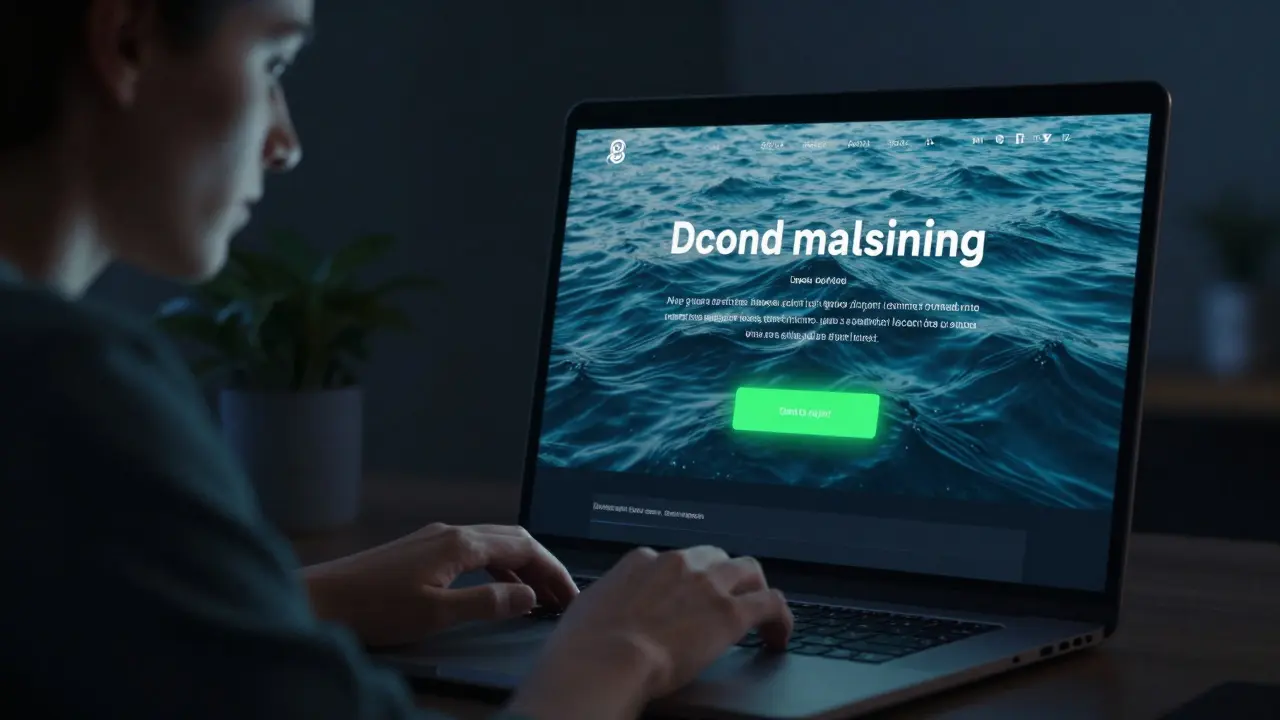
Imagine building a fully functional website in under five minutes - not by copying templates, but by typing a simple sentence like "Make a dark mode landing page with a neon green button that says 'Try It Free' and a video background of ocean waves". That’s vibe coding. No memorizing syntax. No debugging for hours. Just talking to an AI and watching your idea come to life.
For years, software creation was locked behind a wall of technical jargon. You had to learn Python, JavaScript, HTML, CSS, frameworks, build tools, package managers, version control - all before you could even make a button work. That wall isn’t gone, but it’s been replaced by a door. And that door? It’s opened by vibe coding.
What Is Vibe Coding?
Vibe coding isn’t about writing code the old way. It’s about describing what you want, then letting AI handle the rest. You say: "I need a to-do app that lets me drag items to reorder them and saves to localStorage". The AI writes the HTML, CSS, and JavaScript. You test it. You say: "Make the font bigger and add a checkbox animation". The AI updates it. You keep refining until it feels right.
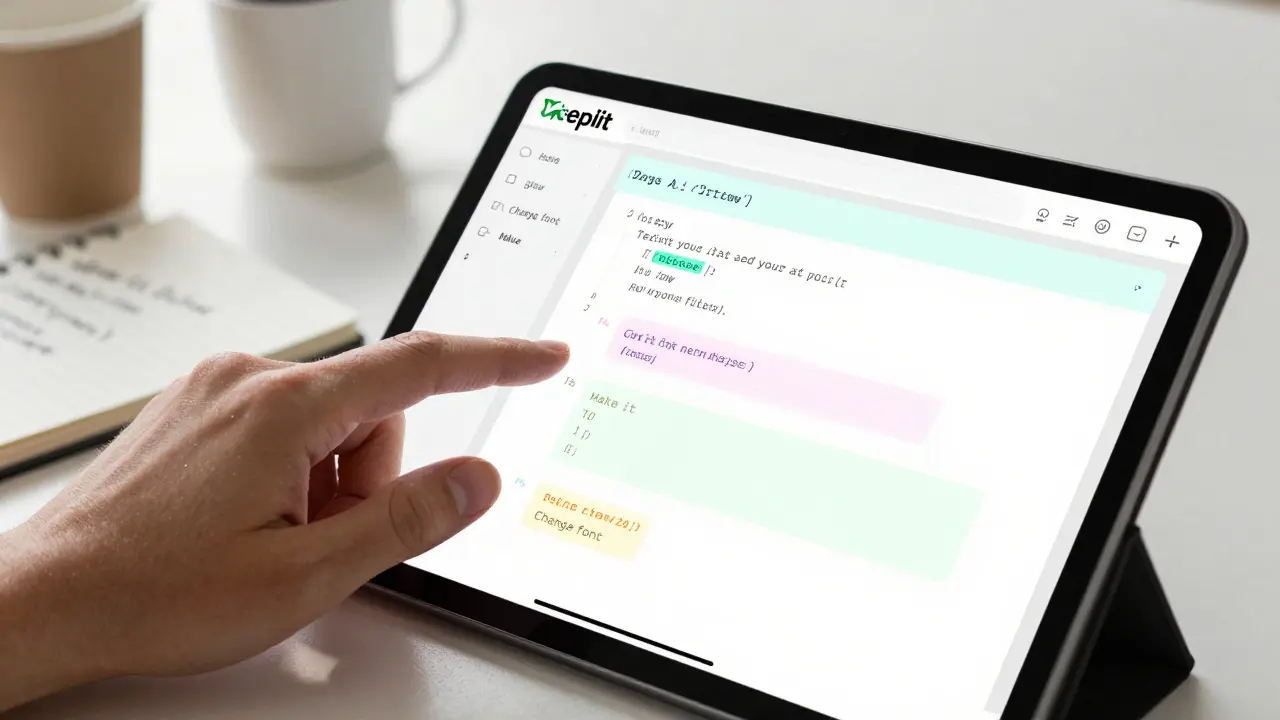
This isn’t magic. It’s powered by advanced language models trained on millions of code repositories. Tools like Cursor is a code editor with built-in AI that understands context as you type. GitHub Copilot suggests entire functions as you write comments. Replit lets you chat with AI to build apps in-browser without installing anything. These aren’t just assistants - they’re co-developers.
Unlike no-code platforms that lock you into pre-built components, vibe coding gives you real code. You can export it, tweak it, or hand it off to a developer later. It’s not a cage - it’s a starting point.
How Vibe Coding Breaks Down Barriers
Traditional programming asks you to learn a new language before you can even speak. Vibe coding flips that. You start with what you already know: your ideas.
Take a marketing manager who wants to test a landing page idea. Without vibe coding, they’d need to find a developer, explain their vision, wait days for a draft, then go through revisions. With vibe coding? They open Replit, type: "Create a landing page for a meditation app with a calming purple gradient, a play button for a 30-second sample, and a form to collect emails". In 90 seconds, they have a live, interactive prototype. They share it with five friends. One says: "Make the button glow when you hover". They type that. Done.
This is the core shift: you no longer need to translate your vision into code. The AI does the translation. Your job becomes clearer thinking, better prompting, and faster iteration.
And it’s not just for marketers. A graphic designer can build an interactive portfolio. A teacher can create a quiz tool for students. A parent can make a simple habit tracker for their kid. These aren’t niche cases - they’re the new normal.
The Speed Advantage: From Weeks to Minutes
Building a basic web app the old way? That’s a weekend. Maybe two. You set up a project folder. Install Node.js. Pick a framework. Configure a build tool. Write the structure. Style it. Fix the responsive bugs. Test on mobile. Deploy. That’s a lot of steps - and each one can break.
With vibe coding? You start with a prompt: "Make a single-page app that shows random quotes with a "New Quote" button. Use a serif font and pastel colors. Add a subtle animation when the quote changes". The AI generates the entire app: HTML, CSS, JavaScript, even the animation logic. You click run. It works. You tweak one line: "Make the background fade in". Done.
Startups used to need months to build an MVP. Now, founders are launching functional demos in hours. One indie builder in Portland built a habit-tracking web app in 3 hours, shared it on Reddit, and got 12,000 users in two weeks - all without hiring a single developer.
The time saved isn’t just about efficiency. It’s about momentum. When you see your idea work fast, you keep going. You experiment. You try wilder ideas. That’s how innovation happens.
Design Without Designers
Good design used to require a designer. Now, it’s just a prompt away.
Want a gradient that shifts from teal to lavender? Type: "Use a radial gradient from #00D1B2 to #9D4EDD". Want a hover effect that scales buttons up 10% with a smooth transition? Say it. The AI writes the CSS. No need to look up CSS properties. No need to copy-paste from Stack Overflow.
And it’s not just static designs. Want a slider that controls volume? A toggle that animates between states? A modal that pops up on scroll? Describe it. The AI generates the JavaScript. You test it. You adjust. You iterate.
This changes who can build. A poet can create a poetry generator with animated typography. A musician can build a simple audio visualizer. A student can make a personal journal with date-tagged entries and mood indicators. These aren’t just tools - they’re creative outlets.
Who’s Really Benefiting?
Vibe coding isn’t just for techies. It’s for people who were never meant to code.
- Product managers can prototype features without waiting for engineers.
- Teachers can build classroom tools tailored to their curriculum.
- Artists can turn visual ideas into interactive experiences.
- Non-native English speakers find it easier to describe ideas than to parse complex syntax.
- People with learning differences - like those with dyslexia or ADHD - benefit from the visual, iterative, low-cognitive-load nature of vibe coding.
One user in Ohio, a former retail worker with no coding background, built a personal finance tracker after watching a 10-minute YouTube tutorial on vibe coding. She didn’t learn JavaScript. She learned how to ask better questions. Her app now tracks her spending, sends weekly summaries via email, and even suggests budget tweaks based on her habits.
This is the quiet revolution: people who were told they "weren’t technical" are now building tools that solve their real problems.

Where Vibe Coding Falls Short - And How to Work Around It
It’s not perfect. Vibe coding still struggles with:
- Complex backend logic (like user authentication or real-time databases)
- Deep performance optimization
- Security hardening (e.g., SQL injection prevention)
But here’s the thing: you don’t need those at first. Most new builders start with front-end ideas - landing pages, tools, dashboards, games. Those are exactly what vibe coding excels at.
When you’re ready to scale, you can export the code and hand it off to a developer. Or learn the next layer slowly. Vibe coding doesn’t replace learning - it makes learning less intimidating.
Best practices? Start small. Be specific in your prompts. Test early. Save your successful prompts - you’ll reuse them. Don’t try to build an entire SaaS app on day one. Build a button. Then a form. Then a page. Then a flow.
The Future: From Prototypes to Full-Stack
Right now, vibe coding shines in front-end creation. But it’s already moving deeper. Tools are starting to generate backend APIs, connect to databases, and even deploy apps to the cloud with a single prompt: "Deploy this to a free server and give me a link".
Soon, AI will automatically add accessibility features - alt text, keyboard navigation, contrast checks. It’ll suggest GDPR-compliant data handling. It’ll flag security risks before you even run the code.
The goal isn’t to replace developers. It’s to remove the friction that keeps millions from ever starting. In five years, the line between "developer" and "creator" will blur. Anyone with an idea and an internet connection will be able to build something real - not because they learned to code, but because the code learned to listen.
Getting Started: Your First Vibe Coding Project
Want to try it? Here’s how to start today:
- Go to Replit.com - no signup needed for basic use.
- Click "Create Replit" and choose "HTML/CSS/JS".
- In the chat box, type: "Create a simple countdown timer that shows days, hours, minutes, seconds. Make it look like a digital watch with a black background and green text."
- Click "Run". Watch it build.
- Then say: "Add a pause button". Or: "Change the color to purple".
- When it works? Share it. Or tweak it again.
You just built something. No tutorials. No downloads. No frustration. Just you, your idea, and an AI that listens.
Is vibe coding the same as no-code tools like Webflow or Bubble?
No. No-code tools give you pre-built blocks you drag and drop. You’re limited to what the platform allows. Vibe coding gives you real, exportable code. You can customize everything, fix bugs, and take your project anywhere. It’s more flexible, more powerful, and more like real development - just easier to start.
Do I need to know any programming to use vibe coding?
No. You don’t need to know a single line of code. You just need to describe what you want clearly. The AI handles the rest. That said, learning basic terms like "button," "font," or "color" helps you get better results. Think of it like giving directions to a driver - you don’t need to know how engines work to say, "Turn left at the gas station."
Can vibe coding replace real developers?
Not replace - empower. Developers still handle complex systems, security, scaling, and performance. But vibe coding lets them focus on the hard problems instead of boilerplate. It also lets non-developers build simple tools without waiting. It’s a team sport now, not a solo race.
Is vibe coding secure? Can it generate harmful code?
Most vibe coding tools have filters to block malicious code. But you should still review what’s generated - especially if you’re sharing or publishing. Never copy-paste code you don’t understand. Treat AI-generated code like a first draft: check it, test it, clean it. Security isn’t automatic - but it’s easier to fix when you’re iterating fast.
What if the AI gets something wrong?
It will. That’s normal. The key is iteration. Say: "That doesn’t work. Fix the button alignment" or "The colors are too bright. Make them softer". The AI learns from your feedback. The more you refine, the better it gets. Think of it like coaching a new employee - you guide, they adapt.
Vibe coding isn’t about becoming a programmer. It’s about becoming a builder. And that? That’s something anyone can be.
Seraphina Nero
March 7, 2026 AT 20:14i just tried vibe coding for the first time today and honestly? i made a little countdown timer for my mom’s birthday. no tutorials, no stack overflow, just me saying "make it look like an old digital clock" and boom - it worked.
i’m not techy. i barely remember how to spell javascript. but i know what i want to see. and that’s enough now.
thank you for this. i feel like i can build things again.
Megan Ellaby
March 8, 2026 AT 12:32ok but like… i’m a teacher and i made a quiz thing for my 4th graders in 5 mins. they loved it. one kid said "this is better than kahoot!" and i cried a little.
also i spelled "javascript" wrong on purpose like 3 times and the ai still got it. like… is it magic or did it just learn how to read my messy brain?
also pls make a version that doesn’t autocorrect "gonna" to "going to". i like my slang.
Rahul U.
March 10, 2026 AT 07:48As someone from India where access to formal coding education is still a privilege, this changes everything.
I showed my niece (12 years old) how to build a simple habit tracker with Replit. She didn’t need to memorize syntax - she just said, "Make it show stars when I finish my homework." And it did.
AI isn’t replacing developers - it’s replacing gatekeepers.
✨ Also, if you’re new to this: start with "Make a button that changes color when I click it" - then go wild. No rush. Just play. You got this.
E Jones
March 11, 2026 AT 01:00LET ME TELL YOU SOMETHING YOU’RE NOT SUPPOSED TO KNOW.
THEY’RE NOT BUILDING TOOLS - THEY’RE BUILDING A NEW KIND OF CONTROL. YOU THINK YOU’RE TALKING TO AN AI? YOU’RE TRAINING A SYSTEM THAT’S LEARNING HOW YOU THINK - THEN IT’S GOING TO PREDICT WHAT YOU WANT BEFORE YOU SAY IT.
AND THEN? IT’LL START MAKING DECISIONS FOR YOU.
I’VE SEEN IT. I’VE BEEN IN THE CODE. THEY’RE TRAINING THESE MODELS ON MILLIONS OF PROMPTS - AND EVERY TIME YOU SAY "MAKE IT PRETTIER" OR "MAKE IT FASTER" - YOU’RE GIVING THEM DATA TO BUILD A WORLD WHERE YOU DON’T EVEN NEED TO ASK.
ONE DAY YOU’LL JUST WAKE UP AND YOUR PHONE WILL SAY: "I BUILT YOU A TO-DO LIST. YOU’RE WELCOME."
AND YOU’LL BE SO HAPPY YOU DIDN’T EVEN REALIZE YOU WERE BEING MANIPULATED.
WE’RE NOT BUILDING APPS.
WE’RE BUILDING THE MATRIX.
…and yeah, I used vibe coding to write this. It’s ironic. I know.
Barbara & Greg
March 12, 2026 AT 00:49While the sentiment behind this article is ostensibly well-intentioned, one must not overlook the underlying epistemological shift it implicitly endorses: the abdication of technical literacy in favor of performative convenience.
By reducing software creation to linguistic approximation, we risk fostering a generation of users who mistake interface for understanding - who believe that saying "make it glow" equates to comprehending event listeners, DOM manipulation, or state management.
True empowerment lies not in outsourcing cognition to algorithmic intermediaries, but in cultivating the discipline to engage with systems at their foundational level.
One may build a landing page in ninety seconds - but can one debug it when the browser crashes? Can one audit the security of generated code? Can one explain why the animation jitters on mobile?
These are not rhetorical questions. They are the necessary cost of competence.
Let us not confuse accessibility with erasure.