Vibe Speccing: Using AI to Generate Specs and Diagrams Before Coding
 Nov, 27 2026
You know the feeling. You type a quick prompt into your AI assistant, hit enter, and watch code appear in seconds. It looks good. It compiles. But three days later, you’re staring at a bug that exists because the AI didn’t know about a specific constraint in your database schema, or it invented an API endpoint that doesn't match your frontend expectations. This is the trap of vibe coding-fast, fun, but often fragile.
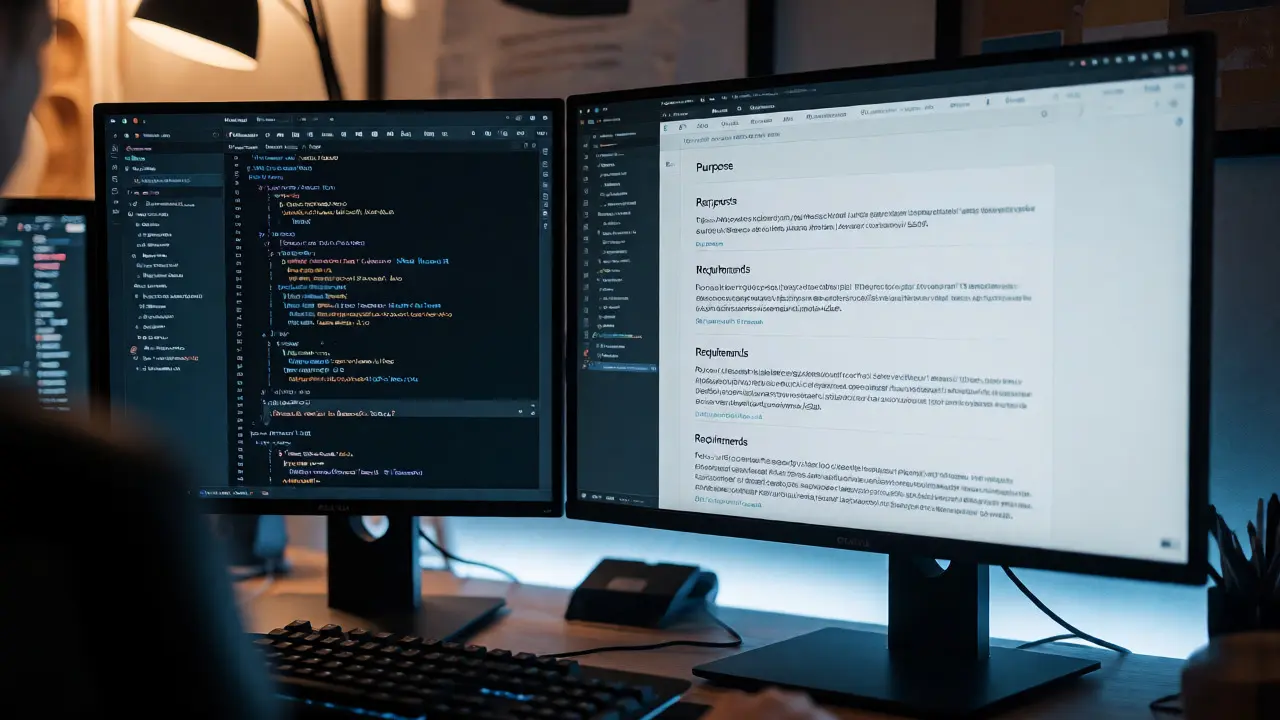
Enter vibe speccing. It’s not about writing documentation for the sake of bureaucracy. It’s about spending five minutes upfront to generate a structured specification and a diagram with your AI before you write a single line of implementation code. The goal? To stop the "works on my machine" chaos and start shipping production-ready features that actually fit your architecture.
Why Pure Vibe Coding Fails at Scale
Vibe coding exploded after GitHub Copilot went mainstream in 2022 and ChatGPT normalized conversational prompting. By 2023, nearly 92% of developers were using or exploring AI tools. For small scripts or one-off utilities, this works great. You describe what you want, the AI spits out Python or JavaScript, and you move on.
But when you scale this up to complex features involving multiple services, databases, and UI components, things break down. Large Language Models (LLMs) like GPT-4 or Claude 3 are brilliant at syntax but terrible at remembering implicit context unless you explicitly provide it. If you don't define the boundaries, the AI fills them with generic patterns that might clash with your existing system. You end up with code that is technically correct but architecturally wrong.
The solution isn't to abandon AI; it's to change the order of operations. Instead of jumping straight to code, you use the AI to help you clarify what you're building first. This is where specs and diagrams come in.
The Core Workflow: From Prompt to Spec
Leading practitioners like Luke Bechtel and teams at Pockit Tools have refined a workflow that adds minimal overhead but massive returns. Here’s how it typically works:
- Phase 1: Requirements Interview. Instead of asking for code, you ask the AI to act as a product manager. You give it a high-level idea (e.g., "I need a user authentication flow") and ask it to generate a Markdown spec file. The AI should interview you, asking about success criteria, edge cases, and constraints.
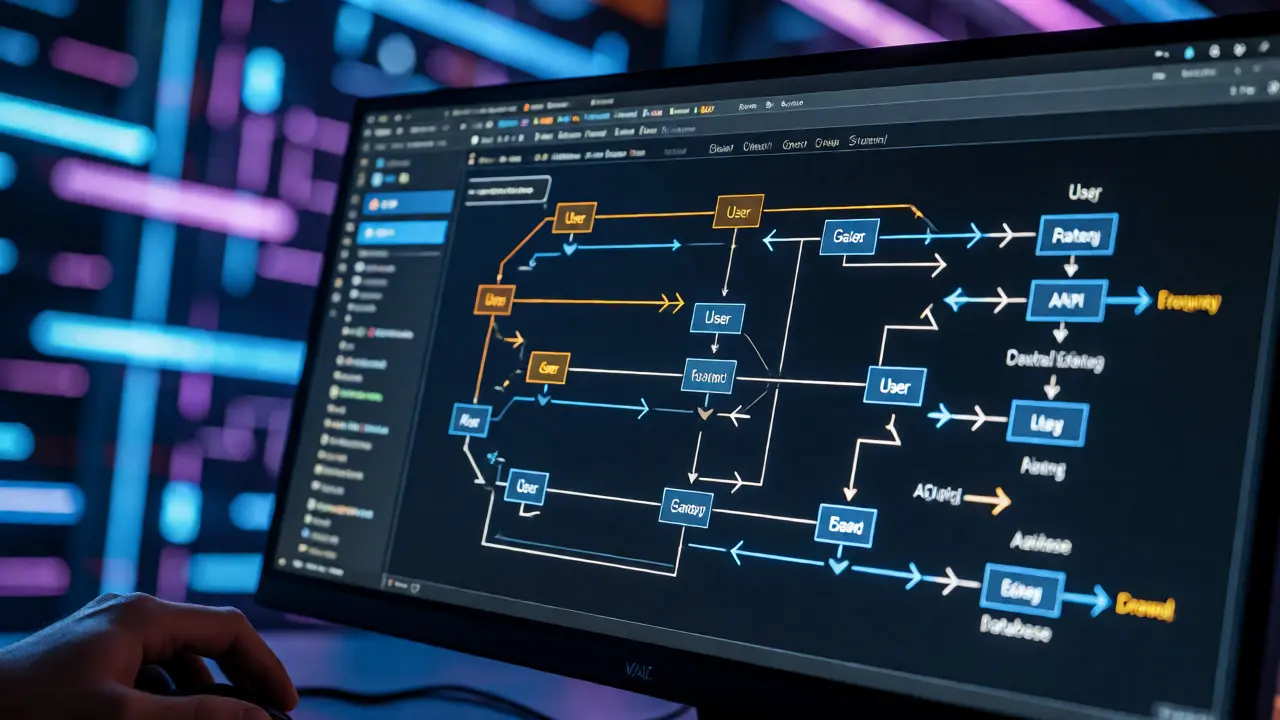
- Phase 2: Design and Diagrams. Once the requirements are locked, you ask the AI to propose a technical design. Crucially, this includes generating diagrams. Modern LLMs can output Mermaid.js code blocks that render sequence, class, or component diagrams directly in Markdown viewers. These visuals expose logical gaps immediately.
- Phase 3: Task Breakdown. The AI converts the approved spec and design into a step-by-step implementation plan. Each step is small enough to be verified independently.
- Phase 4: Implementation. Only now do you let the AI write code, referencing the spec file as ground truth for every generation request.
This gated approach forces alignment. If the spec says "use JWT tokens," the AI can't suddenly decide to use session cookies halfway through the implementation phase without breaking the rules you set.
The Power of AI-Generated Diagrams
Text specs are essential, but diagrams are the secret weapon. Humans process visual information faster than text, especially when understanding data flow or service interactions. When you ask an AI to generate a diagram, you're forcing it to model the relationships between entities explicitly.
For example, if you ask for a "sequence diagram for a checkout process," the AI must list every actor (User, Frontend, API Gateway, Payment Service, Database) and every message exchanged. If the AI forgets to include error handling from the Payment Service back to the User, you see that gap instantly in the diagram. Fixing it in the diagram takes ten seconds. Finding that missing error path in thousands of lines of generated code takes hours.
Tools like Cursor, Windsurf, and VS Code with Copilot Chat support rendering these diagrams natively. You can keep the diagram source code right next to the spec in your repository, ensuring that documentation stays in sync with the logic.
Comparison: Vibe Coding vs. Vibe Speccing
Is this extra step worth it? For trivial tasks, no. But for anything touching core business logic, yes. Here’s how the two approaches stack up based on practitioner reports and team metrics:
| Feature | Pure Vibe Coding | Vibe Speccing |
|---|---|---|
| Initial Speed | Extremely fast. Code appears in seconds. | Slower. Requires 5-30 minutes for spec/design review. |
| Architectural Fit | Poor. Often ignores existing patterns/constraints. | High. Specs enforce architectural rules explicitly. |
| Rework Rate | High. Frequent debugging due to misalignment. | Low. Reports suggest 60-80% fewer regressions. |
| Onboarding | Hard. New devs must reverse-engineer intent from code. | Easy. Specs and diagrams serve as clear documentation. |
| Best Use Case | Prototypes, one-off scripts, simple refactors. | Complex features, multi-service integrations, APIs. |
Implementing Vibe Speccing in Your Stack
You don't need new software to start. Most modern AI IDEs allow you to configure persistent rules. In Cursor, for instance, you can add a project rule that instructs the AI: "Before implementing any feature, check if a spec exists in `.cursor/scopes/`. If not, ask to create one."
Here is a practical checklist to get started:
- Create a Spec Template: Define a standard Markdown structure with sections for Purpose, User Problem, Requirements, Out-of-Scope Items, and Acceptance Criteria.
- Set Up Directory Scopes: Store specs near the code they govern. A feature-specific spec belongs in the feature folder, not a distant docs directory.
- Enforce the 'GO' Signal: Configure your workflow so the AI refuses to write code until you explicitly approve the spec. This prevents premature optimization.
- Iterate on Diagrams: Ask the AI to generate both a high-level component diagram and a detailed sequence diagram. Review these manually for hallucinations.
- Link Tests to Specs: When moving to implementation, ask the AI to write tests *first* based on the acceptance criteria in the spec. This creates a safety net.

Pitfalls to Avoid
Vibe speccing isn't magic. It has risks. The biggest one is spec drift. If you make quick manual edits to the code later and don't update the spec, the documentation becomes a lie. Future AI interactions will then be based on incorrect assumptions. Treat specs like code: version control them and review them in pull requests.
Another risk is over-specifying trivial tasks. Don't spend twenty minutes generating a spec for a function that changes a button color. Reserve this workflow for changes that touch data models, public APIs, or cross-service communication.
Finally, watch out for AI hallucinations in the spec itself. LLMs can invent plausible-sounding requirements that you never asked for. Always read the generated spec critically. Does it really reflect your intent? Or did the AI assume you wanted caching because it's common?
Future Outlook
We are moving toward a world where specs are living documents. Imagine an AI agent that monitors your codebase and automatically updates the Mermaid diagram when a new microservice is added. Tools are already emerging that integrate Jira tickets directly into the spec-generation loop, pulling context from your project management system.
As context windows grow larger-Claude 3.5 Sonnet and GPT-4o handle hundreds of thousands of tokens-the ability to feed entire spec repositories into the model becomes viable. This means the AI won't just know the current file; it will know the architectural history and constraints of your entire system. Vibe speccing is the bridge to that future, turning chaotic prompting into disciplined engineering.
What is the difference between vibe coding and vibe speccing?
Vibe coding involves prompting an AI directly for code, relying on its general knowledge and immediate context. Vibe speccing inserts a planning phase where the AI helps generate structured specifications and diagrams first. This ensures the resulting code aligns with specific architectural constraints and reduces rework.
Do I need special tools for vibe speccing?
No, you can do it with any LLM that supports large context windows. However, IDEs like Cursor, Windsurf, or VS Code with Copilot Chat offer features like directory-scoped rules and native Mermaid rendering that make the workflow smoother and more efficient.
How much time does creating a spec take?
For small features, expect to spend 5-15 minutes. For complex, multi-service features, it might take 30-90 minutes including human review. Practitioners report that this upfront investment saves hours of debugging and architectural correction later.
Can AI-generated diagrams be trusted?
They are useful starting points but require human verification. LLMs can hallucinate connections or miss critical error paths. Always review diagrams for logical consistency and ensure they match your actual system architecture before proceeding to implementation.
What happens if the code changes after the spec is written?
This is known as spec drift. To manage it, treat spec files like code artifacts. Include them in pull requests and update them whenever significant logic changes occur. Some teams automate diagram regeneration from test suites to keep documentation in sync.