Vision-Language Models for Diagrams: How AI Reads Architecture
 Nov, 9 2026
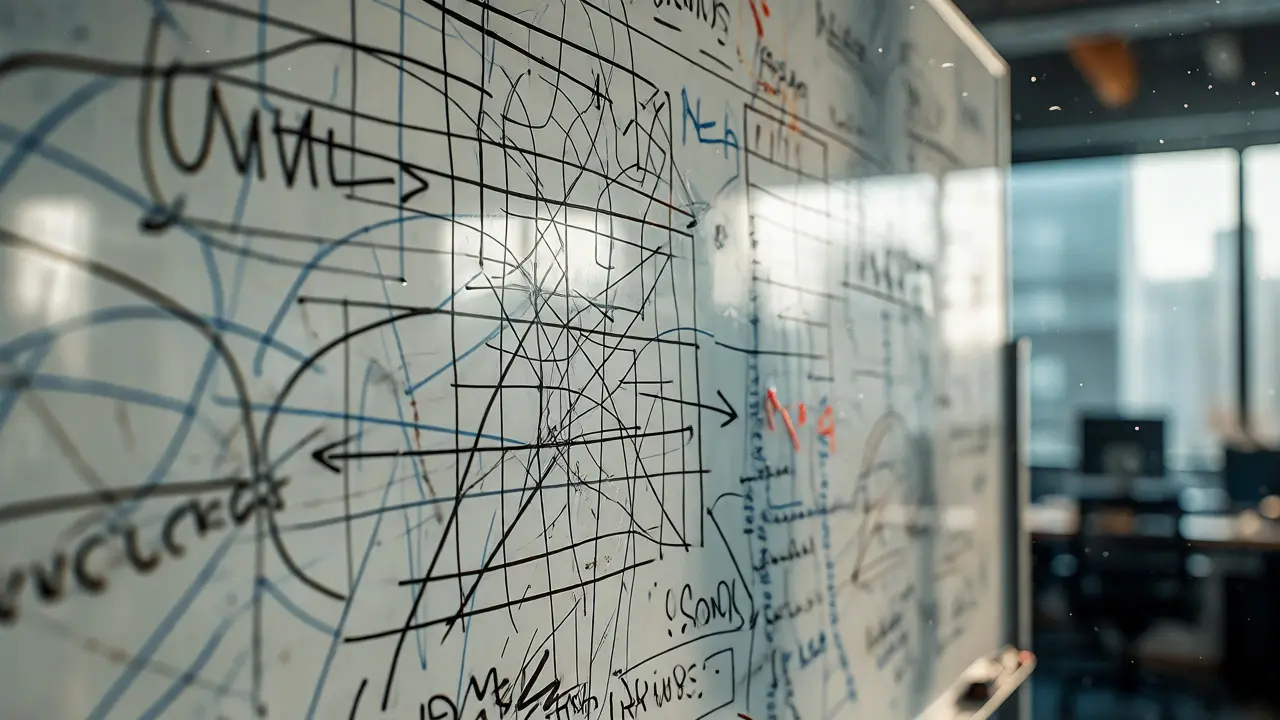
You’ve probably been there. A senior architect hands you a whiteboard photo or a messy UML diagram and says, "Document this." You spend hours squinting at arrows, trying to figure out if that box is a load balancer or just a really confused database. For years, automating this task was impossible because computers couldn't "see" structure. They could read text, but they couldn't understand spatial relationships. That changed recently. Vision-Language Models (VLMs) have evolved from simple image captioners into specialized tools that can read diagrams and generate actual software architecture. This isn't just about recognizing shapes; it's about understanding the logic behind them.
Why Diagrams Are Hard for Computers
Most people think AI sees an image like we do. It doesn’t. When a standard model looks at a flowchart, it sees pixels. It might identify a rectangle and an arrow, but it struggles to connect them logically. Is that arrow showing data flow? Control flow? Or just a visual separator? Traditional Optical Character Recognition (OCR) plus rule-based systems tried to solve this by looking for specific patterns, but they failed miserably on anything ambiguous. If a developer drew a slightly crooked line, the old systems broke.
LLaVA (Large Language and Vision Assistant), released by Meta in April 2023, marked a turning point. It achieved 54.1% accuracy on science benchmarks, proving that combining vision with language could handle complex reasoning. But general-purpose models weren't enough for architecture. We needed something that understood that a cylinder usually means a database and that a diamond shape implies a decision point. Today’s specialized models, like Gemini 1.5 Pro, hit 78.3% accuracy on architectural diagrams. That sounds high, but it means one in five interpretations still needs human review. Still, compared to the 32.5% accuracy of older OCR methods, it’s a massive leap.
The Tech Behind the Magic
How does a computer actually "read" a blueprint? It uses a three-part system. First, a Vision Transformer (ViT) chops the image into tiny patches-usually 14x14 or 16x16 pixels. A standard 1024x1024 diagram becomes over 4,000 visual tokens. Think of these tokens as words in a sentence, but each word is a small piece of the picture. The ViT-H/14 variant, with 630 million parameters, has become the industry standard for this step because it balances speed and detail.
Next comes the projection layer. This is the bridge between seeing and speaking. The vision encoder outputs vectors that don't match the language model's format. A 2-layer Multi-Layer Perceptron (MLP) translates those visual signals into language embeddings. This alignment is critical. If the translation is off, the model might see a server icon but describe it as a client. Finally, the LLM Decoder generates the text. Models like Llama-3 Vision use cross-attention mechanisms here. Instead of dumping all visual info into the text stream at once, they periodically check back with the image. This keeps the context window manageable and ensures the generated code stays true to the diagram’s layout.
| System Type | Accuracy on ArchViz Benchmark | Handling Ambiguity | Compute Cost |
|---|---|---|---|
| Traditional OCR + Rules | 32.5% | Poor (fails on broken lines) | Low |
| General VLMs (e.g., BLIP-2) | ~45.1% | Moderate | Medium |
| Specialized Diagram VLMs | 73.7% | High (infers intent) | High |
| Dedicated Parsers (PlantUML) | 92.4%* | None (strict syntax only) | Very Low |
*Note: PlantUML accuracy is high only when input is perfectly formatted code, not raw images.

Where These Models Shine (and Fail)
Let’s be real about the strengths. These models are incredible at bridging the gap between design and implementation. If you upload a topology diagram, modern VLMs can generate functional Kubernetes manifests with a 71.8% success rate. That saves developers from writing YAML files by hand. They also excel at documentation. One user on Reddit reported saving 370 hours in three months by converting whiteboard sessions into Confluence docs automatically. The ability to identify component relationships in complex diagrams is praised by 89% of enterprise users.
But there are glaring weaknesses. Handwritten diagrams are the nemesis. Accuracy drops to 42.7% when dealing with scribbles versus 78.3% for digital exports. Why? Because handwriting varies wildly, and models trained mostly on clean digital assets get confused. Another issue is legacy tech. If your company runs mainframe-era systems with outdated notation, expect trouble. Current models have only 43.7% accuracy on those older styles because their training data is biased toward modern web architectures.
Security is another trap. MIT Technology Review found that while top models interpret diagrams well, they generate advice with critical security flaws in 19% of cases. Specifically, they often mess up authentication flows. A model might see two boxes connected by a line and assume secure communication, ignoring the need for explicit encryption markers. Never trust the output blindly.
Market Leaders and Real-World Adoption
If you’re looking to deploy this, who should you pick? Google Gemini 1.5 Pro holds a 38% market share in enterprise architecture applications. It’s popular because of its "CertaintyMeter," which gives confidence scores-a requirement under the EU’s AI Act for critical infrastructure. Anthropic Claude 3.5 Sonnet follows closely at 29%, favored for its nuanced reasoning in long-context scenarios. Meta’s Llama-3 Vision captures 22%, appealing to teams wanting open-source flexibility.
Adoption is spiking in regulated industries. Financial services account for 41% of paying customers because compliance requires rigorous documentation. Cloud providers are next at 29%. Interestingly, 68% of Fortune 500 software teams now use these tools for at least some documentation, up from just 12% in 2024. This isn't a niche experiment anymore; it’s becoming standard practice.
Implementation Tips for Engineers
Don’t just plug and play. Integration takes 2-3 weeks for most teams. The biggest hurdle isn’t coding; it’s prompting. Generic prompts yield generic results. According to NVIDIA’s guide, adding spatial context markers like "top-left component" or "arrow connecting A to B" boosts accuracy by 32.7%. Treat the prompt like a spec sheet.
- Resolution Matters: Process diagrams at 336x336 resolution for optimal token efficiency. Higher res eats up context window without always adding value.
- Pyramid Processing: For huge diagrams, analyze them at multiple resolutions. Start low-res for global structure, then zoom in for details. This cuts context consumption by 63% while keeping 92% of accuracy.
- Context Prompts: Always specify the notation standard (e.g., "This is a C4 Model diagram"). It primes the model’s attention mechanism.
Also, watch out for token overflow. One complex architectural diagram can consume the equivalent of 2,000-3,000 words of text. If you’re feeding multiple diagrams into a single session, you’ll hit limits fast. Batch processing helps, but you need GPUs with at least 24GB VRAM for smooth 4K diagram handling.
The Future: From Reading to Designing
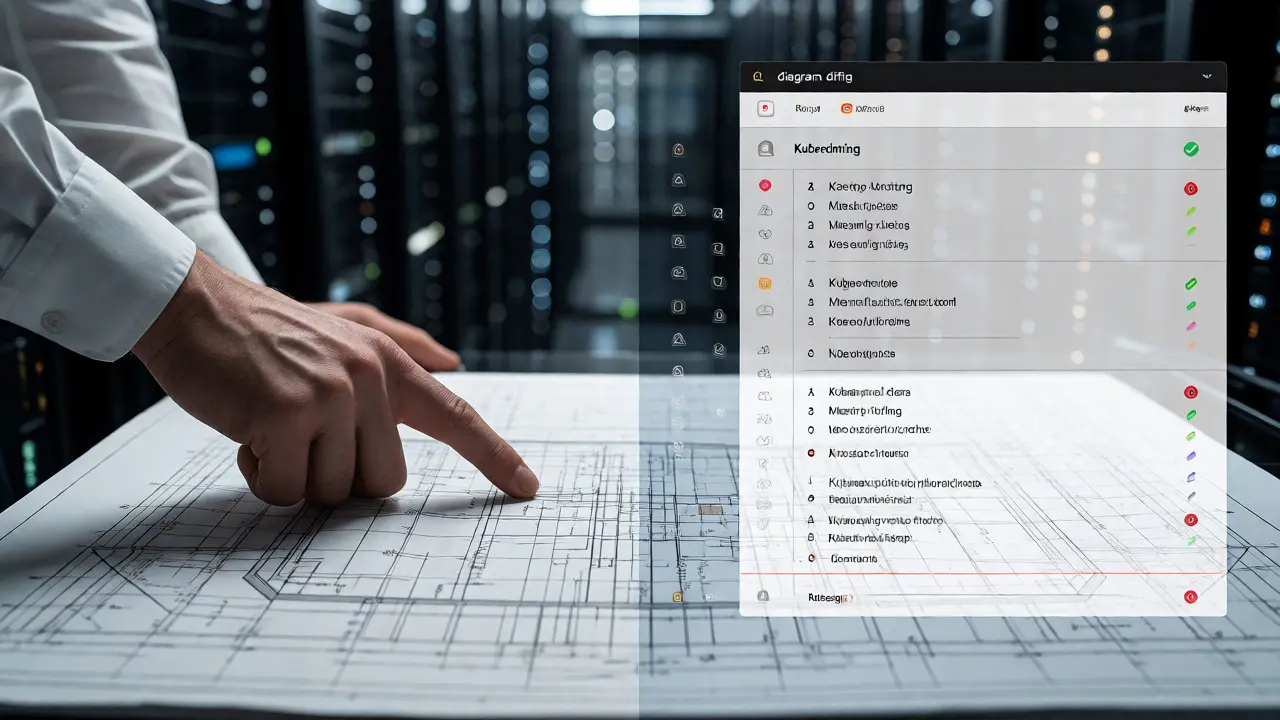
We’re moving beyond just reading. Google’s upcoming Gemini 2.0 introduces "diagram diffing," allowing the AI to compare two versions of an architecture and highlight meaningful changes with 89.4% accuracy. Imagine merging pull requests where the AI flags that changing a database type breaks a downstream service dependency. That’s coming soon.
NVIDIA is even building hardware for this. Their new "Diagram Transformer" chip optimizes attention mechanisms specifically for diagram tasks, promising a 3.7x speedup. Meanwhile, design tools are integrating this natively. Figma’s API beta and Lucidchart’s planned Q3 2026 update will let you draw a box and instantly generate the backend code. The line between drawing and coding is blurring.
However, legal issues loom. IBM sued a VLM provider in late 2025 over intellectual property concerns. If a model trained on proprietary diagrams generates a similar-looking architecture, who owns it? Until courts decide, keep your sensitive IP private or use models with clear data usage policies.
Can Vision-Language Models replace human architects?
No. While they excel at documentation and identifying obvious components, they lack business context and strategic foresight. Professor Trevor Hastie notes that models often propagate anti-patterns from training data, leading to over-complicated designs. Use them as assistants, not replacements.
What is the biggest limitation of current diagram VLMs?
Handwritten inputs and legacy notations. Accuracy plummets to around 42% for handwritten sketches compared to nearly 78% for digital diagrams. Additionally, they struggle with nested relationships in UML diagrams containing more than 15 interconnected elements.
How much compute power do I need to run these models?
For local inference of high-resolution diagrams, you need a GPU with at least 24GB VRAM. Inference latency typically ranges from 850ms to 1,200ms on NVIDIA A100 GPUs for batch size 1. Cloud APIs abstract this away but charge per token.
Are generated architectures secure?
Not inherently. Independent testing shows critical security flaws in 19% of generated advice, particularly regarding authentication and encryption flows. Always validate outputs against frameworks like AWS Well-Architected before deployment.
Which model is best for enterprise use right now?
Google Gemini 1.5 Pro leads with 38% market share due to its compliance features like CertaintyMeter. Anthropic Claude 3.5 Sonnet is strong for complex reasoning, while Llama-3 Vision is preferred for cost-effective, open-source deployments.
Kevin Ching
November 9, 2026 AT 12:07This is exactly the kind of tooling we need to stop wasting time on documentation debt. The jump from 32% to 78% accuracy is genuinely impressive and proves that specialized vision transformers are finally mature enough for production use. I've been experimenting with Gemini 1.5 Pro for our internal topology diagrams and the ability to generate Kubernetes manifests directly from whiteboard photos has saved my team countless hours of manual YAML writing. It's not perfect yet but the trajectory is incredibly exciting for anyone working in cloud infrastructure.