Hardware Trends Accelerating Vibe Coding: GPUs, NPUs, and Edge AI
 Aug, 21 2026
Imagine describing a feature in plain English and watching your code editor generate the implementation before you finish your coffee. That is the promise of vibe coding, an AI-assisted software development paradigm where developers describe functionality and intent in natural language, allowing large language models to generate, modify, and test code. Popularized by Andrej Karpathy in early 2025, this approach shifts the developer's role from line-by-line typing to high-level steering. But for this workflow to feel instant rather than sluggish, the underlying hardware must keep up with the heavy computational load of running large language models (LLMs) locally or near-locally.
The bottleneck isn't just the model size; it's the latency. When you ask an AI agent to refactor a complex module, every millisecond of delay breaks the flow. This is why three specific hardware trends are currently reshaping how we build software: high-end GPUs for desktop and cloud power, dedicated NPUs for efficient laptop performance, and Edge AI modules for on-device automation. Together, they are making vibe coding not just a novelty, but a practical daily workflow for millions of developers.
Why Hardware Speed Defines the Vibe Coding Experience
Vibe coding relies on LLM inference across entire repositories, documentation, and test suites. Unlike simple text completion, which only looks at the current file, vibe coding agents need to understand context that can span thousands of lines of code. This requires massive parallel tensor operations. If your hardware struggles to process these tokens quickly, the "vibe" dissipates into frustration. You stop feeling like you're collaborating with a partner and start waiting for a slow server.
The core requirement here is low-latency inference. For a developer to maintain psychological flow-the state of mind where experimentation feels joyful and effortless-the feedback loop between prompt and code generation must be tight. Industry analyses suggest that when inference latency exceeds a few seconds, user engagement drops significantly. Therefore, the race isn't just about who has the smartest AI model, but who can deploy it on hardware that responds instantly. This is where the convergence of GPUs, NPUs, and edge processors becomes critical.
Desktop Powerhouses: The Role of High-End GPUs
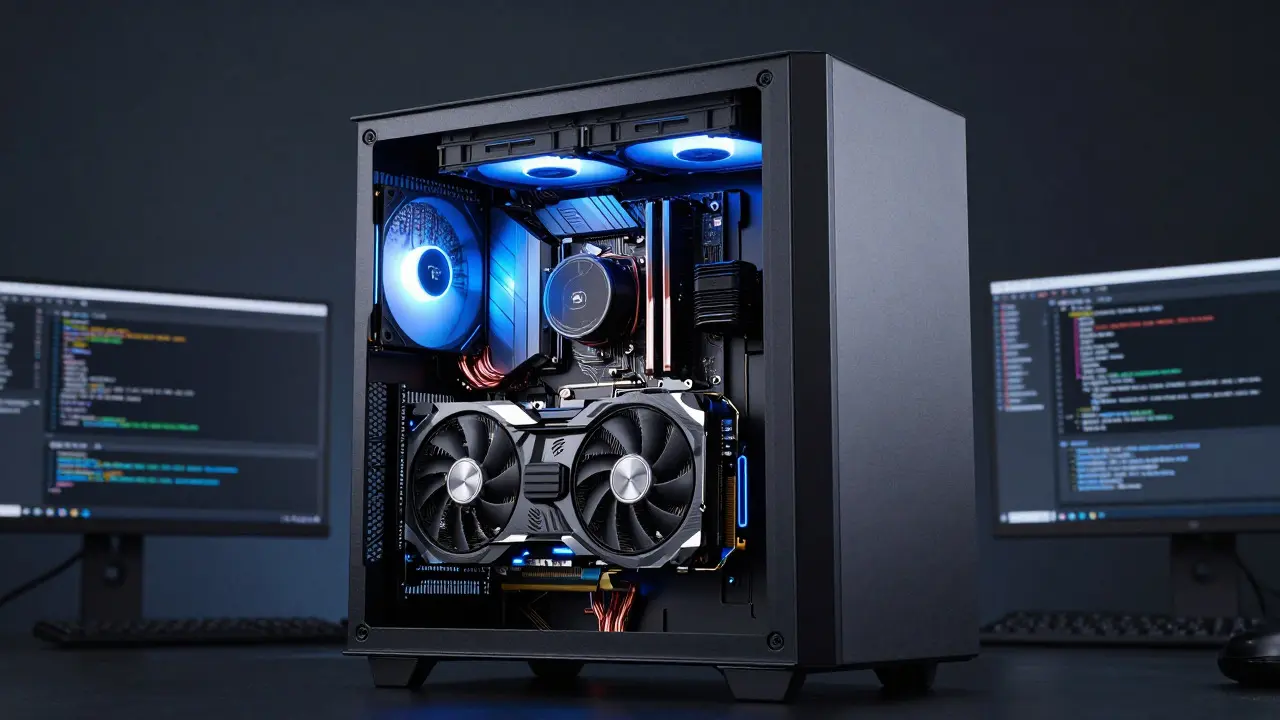
For individual developers and small teams who want full control over their data and zero cloud dependency, the desktop GPU remains the king of local vibe coding. The NVIDIA GeForce RTX 4090, launched in late 2022, is still a benchmark for this use case. It features 16,384 CUDA cores and 24 GB of GDDR6X memory, providing enough bandwidth to stream tokens from 7B to 70B parameter models at impressive speeds. With a compute capability of 8.9 and roughly 1 TB/s of memory bandwidth, it handles the parallel matrix multiplications required for code generation without breaking a sweat.
But the story doesn't end at consumer cards. Behind the scenes, most cloud-based vibe coding tools rely on data center-class GPUs like the NVIDIA H100. Based on the Hopper architecture, the H100 powers the scalable infrastructure that enterprise developers depend on. Market research indicates the global data center GPU market was valued at $14.48 billion in 2024 and is projected to reach $190.10 billion by 2033. This explosive growth, driven by a 35.8% compound annual growth rate, reflects the insatiable demand for AI acceleration. Whether you are running a local instance of a coding assistant or connecting to a remote agent via API, you are ultimately benefiting from this surge in GPU capability. The more powerful the GPU, the larger the context window you can afford to open, and the more nuanced the AI's understanding of your codebase becomes.
Laptop Revolution: NPUs Bring AI to Your Lap
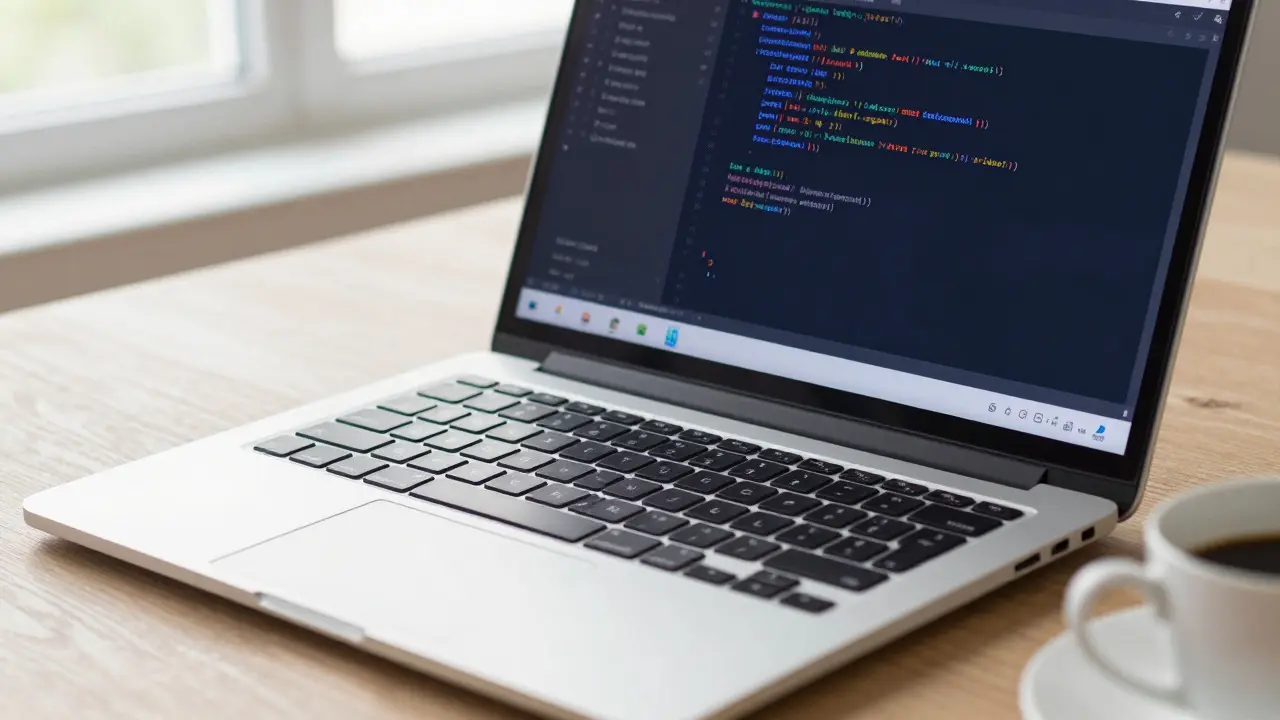
If you code on a laptop, the game has changed dramatically with the introduction of Neural Processing Units (NPUs). These are specialized chips designed specifically for AI workloads, offering a fraction of the power consumption of a discrete GPU while delivering sufficient performance for continuous assistance. The standout example here is Qualcomm’s Snapdragon X Elite platform. Its Hexagon NPU delivers 45 TOPS (trillions of operations per second) of INT8 performance. When combined with the CPU and GPU, the total AI performance reaches 75 TOPS. This is a significant leap forward, as independent testing has shown the NPU can sustain heavy AI workloads at just 8-12 watts of power draw.
This efficiency is what makes all-day vibe coding on battery power feasible. Microsoft’s Copilot+ PC initiative sets a minimum requirement of 40 TOPS for certified devices, ensuring that mainstream laptops now ship with dedicated AI hardware. In contrast, earlier x86 designs like Intel’s Core Ultra 9 often cited combined CPU+GPU+NPU figures that were misleading, with the NPU alone sometimes delivering only around 11 TOPS. The Snapdragon X Elite’s dedicated 45 TOPS NPU allows developers to run larger on-device generative models for inline refactoring and code completion without throttling. However, a caveat exists: software maturity matters. Early reports noted that firmware updates and driver tuning were crucial to unlocking true performance, with antivirus scanning sometimes introducing unnecessary delays. As the ecosystem matures, the gap between raw TOPS and actual user experience narrows, making NPUs a viable primary engine for mobile vibe coding.
Edge Computing: Coding Agents in the Field
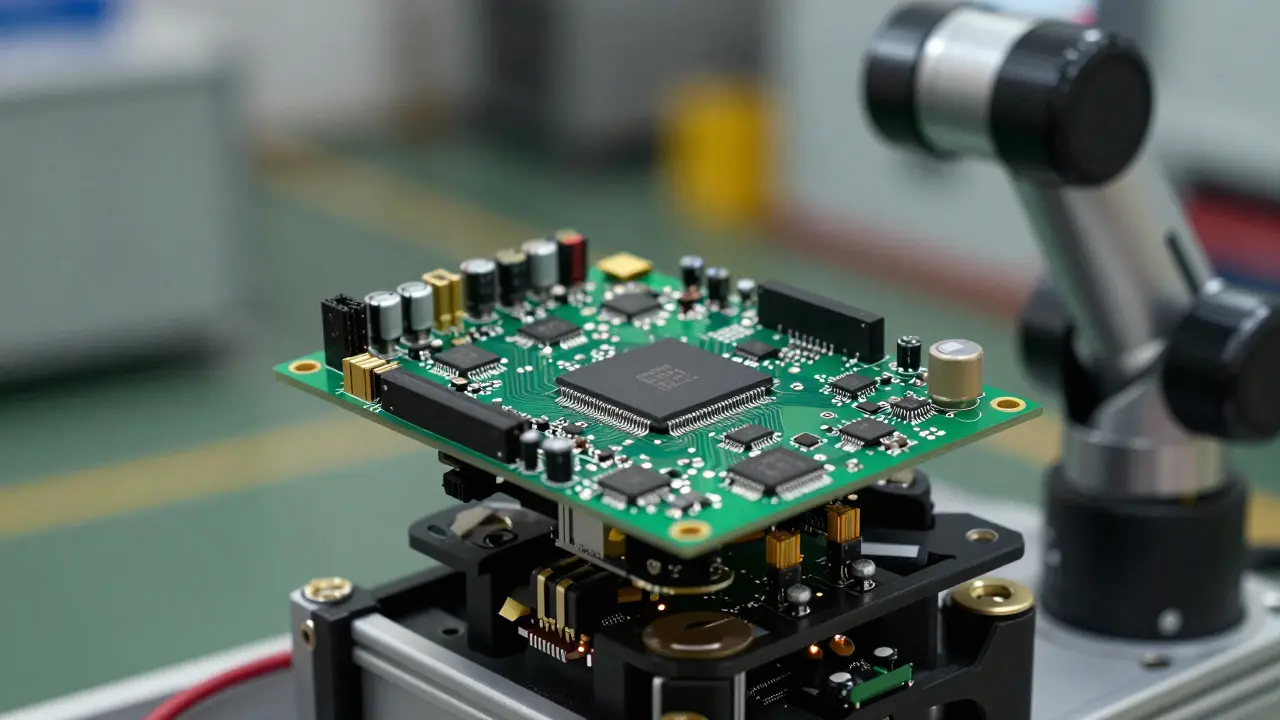
What happens when you need to vibe code away from the office, in a factory, or on a robot? This is where Edge AI hardware steps in. These compact, low-power modules allow you to run LLM-based coding agents directly on embedded devices, eliminating the need for a constant cloud connection. NVIDIA’s Jetson Orin Nano series is a prime example. Priced around $299 at launch, these developer kits deliver up to 40 Sparse INT8 TOPS in a tiny form factor measuring just 69.6 by 45 millimeters. They operate between 7 and 15 watts, making them ideal for robotics and IoT gateways.
Recently, NVIDIA released the Jetson Orin Nano Super board, which offers 67 sparse INT8 TOPS for $249. This represents a massive improvement in TOPS-per-dollar, enabling developers to host more capable generative models on edge devices. Imagine deploying a coding agent on a drone that can rewrite its navigation logic based on real-time sensor data, or using a gateway to automate pipeline configurations via natural language rules. While the raw compute is lower than a desktop GPU, the proximity to the data source reduces latency for specific tasks. Google’s Edge TPU offers another option, delivering 4 TOPS at extremely low power, suitable for micro-LLMs and distilled models in privacy-critical environments. The key takeaway is that edge hardware is no longer just for inference; it’s becoming a platform for localized, context-aware code generation.
Choosing the Right Hardware Stack
Selecting the right hardware depends on your specific vibe coding workflow. Are you a solo developer working on sensitive projects who values privacy? A high-end desktop GPU might be your best bet. Do you travel frequently and need a responsive copilot on the go? Look for a Copilot+ laptop with a strong NPU. Are you building autonomous systems? An edge module is essential. Here is a quick comparison to help you decide:
| Platform Type | Example Hardware | Performance Metric | Power Efficiency | Best Use Case |
|---|---|---|---|---|
| Desktop GPU | NVIDIA RTX 4090 | ~82.6 TFLOPS FP32, 24 GB VRAM | High (450W TDP) | Local LLMs, Large Context Windows |
| Data Center GPU | NVIDIA H100 | Hopper Architecture, High Bandwidth Memory | Optimized for Scale | Cloud-Based Enterprise Agents |
| Laptop NPU | Snapdragon X Elite | 45 TOPS (NPU), 75 TOPS (Total) | Very High (8-12W for AI) | Mobile Development, Battery Life |
| Edge Module | NVIDIA Jetson Orin Nano Super | 67 Sparse INT8 TOPS | High (7-25W) | Robotics, IoT, Offline Automation |
Note that performance metrics like TOPS and TFLOPS are theoretical peaks. Real-world vibe coding performance also depends on memory bandwidth, software stack maturity, and model quantization support. For instance, benchmarks have shown that even high-TOPS edge devices can suffer from bottlenecks if the toolchain isn't optimized for specific precision formats like FP16 or INT8.
Practical Tips for Optimizing Your Setup
Having the right hardware is only half the battle. To get the most out of your vibe coding setup, consider these practical steps:
- Update Firmware and Drivers: Especially on AI PCs, recent firmware updates have fixed significant NPU latency issues. Ensure your BIOS and drivers are current to avoid unnecessary stutters.
- Manage Security Software: Antivirus scanning of AI libraries can introduce delays. Whitelist your AI runtime directories if possible to speed up inference.
- Match Model Size to Hardware: Don’t try to run a 70B parameter model on a 4 TOPS Edge TPU. Choose distilled or smaller models that fit within your device’s memory and compute budget.
- Maintain Human Oversight: Hardware makes it easy to generate large volumes of code quickly. Use this speed to iterate on designs, but always apply rigorous testing and security review to AI-generated changes.
The future of vibe coding is bright, driven by a converging hardware landscape that spans cloud, desktop, mobile, and embedded environments. As GPUs grow more powerful, NPUs become standard in laptops, and edge modules get cheaper and faster, the barrier to entry for AI-native development continues to drop. The challenge shifts from "can I run this AI?" to "how do I govern the code it generates?" But for now, the hardware trends are undeniably accelerating the shift toward intent-driven programming, making it more accessible and efficient than ever before.
What is the minimum NPU performance needed for effective vibe coding on a laptop?
Microsoft recommends a minimum of 40 TOPS for Copilot+ certified devices. However, for smoother experiences with larger models, platforms like the Snapdragon X Elite with 45 TOPS dedicated NPU performance are preferred. Lower-end NPUs may struggle with complex repository-wide refactoring tasks.
Can I use edge hardware like Jetson Orin for everyday coding tasks?
Yes, but with limitations. Edge hardware is best for specialized tasks like robotics scripting or offline automation. For general-purpose web or application development, a desktop GPU or a modern laptop NPU will provide a better user experience due to higher throughput and easier integration with standard IDEs.
Do I need a data center GPU to use vibe coding tools?
No. Most vibe coding tools offer cloud-hosted options where the heavy lifting is done on data center GPUs like the NVIDIA H100. You only need a standard internet connection. Local vibe coding requires a powerful desktop GPU or a high-performance laptop NPU.
How does hardware affect the cost of vibe coding?
Using local hardware (desktop GPU or laptop NPU) reduces ongoing API costs but requires a higher upfront investment in hardware. Cloud-based vibe coding has lower upfront costs but incurs usage-based fees. Edge hardware offers a middle ground for specific industrial applications, reducing cloud dependency for those tasks.
Are there any risks associated with hardware-accelerated vibe coding?
The main risk is reduced human oversight. Because hardware makes code generation fast and easy, developers might skip validation steps. It is crucial to maintain rigorous testing and security reviews to catch subtle bugs or vulnerabilities introduced by AI agents.
Savara Gunn
August 21, 2026 AT 09:20Really appreciate the breakdown on NPUs. I’ve been hesitant to switch from my desktop rig because I was worried about battery life, but seeing that the Snapdragon X Elite can handle heavy AI workloads at just 8-12 watts is genuinely reassuring. It feels like we are finally reaching a point where mobile hardware isn't just a compromised version of desktop performance, but a distinct tool for specific workflows.
Anthony Miller
August 23, 2026 AT 04:56You are all missing the forest for the trees here. The real issue is not the hardware it is the human error factor. You think you can just let an AI write code without oversight? Dangerous thinking. The RTX 4090 is overkill for most people and only serves to inflate your electricity bill while you sleepwalk through buggy code. Stop buying toys and start learning to debug properly.
michelle veluz
August 23, 2026 AT 22:08Wait so you're saying big tech wants us to trust our code to chips made in... who knows where?!?! It's always the same story!! First they want our data, now they want our logic!! I bet the NPU has a backdoor specifically for corporate spies!! Who do you trust with your source code anyway??
Jacob Baby Official
August 24, 2026 AT 04:34Oh, look at this, another article pretending that 'vibe coding' is a legitimate engineering discipline rather than a marketing buzzword for junior developers who can't read documentation. The latency argument is weak; if your prompt is vague, no amount of TOPS will save you from generating garbage. We don't need faster garbage printers, we need better architects. This whole trend is just a band-aid for poor software design practices.
john randall
August 25, 2026 AT 17:35Fair point about the latency breaking flow. I've noticed that even with a good GPU, if the context window is too large, the initial token generation slows down significantly. It’s a subtle difference but it definitely affects how often I actually use the assistant versus just typing it out myself.
Jeff Falcon
August 27, 2026 AT 08:53I completely agree with the sentiment here, especially regarding the firmware updates mentioned in the article! It’s wild how much of a difference a simple driver update can make, right? I had issues with my antivirus scanning the runtime directories which added about 2 seconds to every inference, and once I whitelisted them, the experience was night and day, honestly! It really highlights that the hardware is only half the battle, as the post suggests, and the software stack maturity is crucial for a smooth workflow, don't you think?
Alyson Karson
August 29, 2026 AT 08:28FINALLY someone talks about edge AI for robotics!! I have been trying to get a small LLM running on a Jetson Orin for my drone project and the $249 Super board is a game changer. No more cloud dependency when flying in dead zones. Just pure local power. Lets gooo!
Chris Neal
August 30, 2026 AT 08:15The comparison table is useful but slightly misleading. Citing TFLOPS for FP32 on the 4090 next to INT8 TOPS for the NPU is apples to oranges. If you are running quantized models, which you should be for efficiency, the effective throughput metrics change drastically. Also, the H100 section ignores the cost per query which is the actual barrier for most indie devs using cloud APIs.
Vishnu Vardhan Reddy M S
August 30, 2026 AT 21:42Great read! Though, I'd add that for many of us in emerging markets, the 'privacy' angle of local GPUs is less about security and more about avoiding unstable internet connections. Running a 7B model locally on a decent GPU saves us from staring at buffering icons all day. The vibe stays intact only if the connection doesn't drop mid-sentence!
Kyle Ware
September 1, 2026 AT 03:53To add to the practical tips: keep an eye on memory bandwidth, not just compute. A high-TOPS chip with slow RAM will choke on large context windows. For most laptop users, ensuring the system RAM is fast (DDR5 or LPDDR5x) matters just as much as the NPU spec for maintaining that low-latency feel during complex refactoring tasks.