Model Context Protocol (MCP): The Standard for Tool-Using LLM Agents
 Sep, 19 2026
Imagine you are building an AI agent that needs to check a database, send an email, and read a PDF. Without a standard way to talk to these tools, you end up writing custom code for every single combination of AI model and external service. This is the "N×M problem," and it’s a nightmare for scalability. If you have 10 models and 10 tools, you need 100 integrations. Add one more tool, and suddenly you’re maintaining 20 connections instead of just one new interface.
This is exactly why Anthropic introduced the Model Context Protocol (MCP) in November 2024. It’s not just another API wrapper; it’s an open standard designed to act as a universal adapter between Large Language Models (LLMs) and the outside world. By treating context and tools as standardized resources, MCP reduces those N×M integrations down to N+M. You implement the protocol once on your client side, and once on your server side, and they can talk to each other regardless of who built them. As of September 2026, with major players like OpenAI and Google DeepMind backing the standard, understanding MCP is no longer optional for developers building agentic systems-it’s foundational.
The Core Problem: Why Custom Integrations Fail at Scale
Before MCP, connecting an LLM to a tool was a bespoke affair. If you wanted Claude to access your internal SQL database, you wrote a specific connector. If you then switched to GPT-4o, you had to rewrite or adapt that connector because the input/output formats differed. Multiply this by the number of tools-Slack, GitHub, Jira, Salesforce-and the complexity explodes.
Traditional approaches like Retrieval-Augmented Generation (RAG) help with data retrieval but often treat context as ephemeral payloads. They fetch text and shove it into the prompt. But what if the agent needs to *act*? What if it needs to trigger a workflow or update a record? RAG doesn’t inherently handle the lifecycle of tool execution or state management across multiple steps. That’s where the Model Context Protocol shines. It provides a structured, bidirectional channel for both data access and action execution.
| Metric | Custom Integration | Model Context Protocol |
|---|---|---|
| Integrations Required | N × M (Models × Tools) | N + M (One per model, one per tool) |
| Context Management | Ephemeral / Hardcoded | Persistent / Versioned Resources |
| Discovery Mechanism | Manual Documentation | Dynamic Runtime Discovery |
| Communication Style | Often One-Way (Request/Response) | Bidirectional Streaming (JSON-RPC 2.0) |
Anatomy of the Model Context Protocol
MCP isn’t magic; it’s architecture. It borrows heavily from the Language Server Protocol (LSP), which revolutionized how IDEs communicate with language analyzers. Just as LSP allowed VS Code to support Python, C++, and Rust without writing separate plugins for each, MCP allows any LLM host to connect to any tool server.
The system relies on four key components:
- Host Applications: These are the interfaces users interact with, such as Claude Desktop, Cursor, or web-based chatbots. They house the LLM.
- MCP Clients: Built into the host, these manage the connection to servers. They translate the LLM’s intent into protocol messages.
- MCP Servers: These expose capabilities. A server might wrap a database, a file system, or an API like Stripe. It tells the client, "Here is what I can do."
- MCP Hosts: In complex setups, hosts manage multiple clients, allowing an agent to juggle several servers simultaneously.
Under the hood, MCP uses JSON-RPC 2.0. This is crucial because it supports bidirectional communication. Unlike REST APIs, where the client asks and the server answers, MCP allows servers to initiate requests or stream partial results. This is vital for long-running operations where an agent needs feedback before proceeding to the next step.
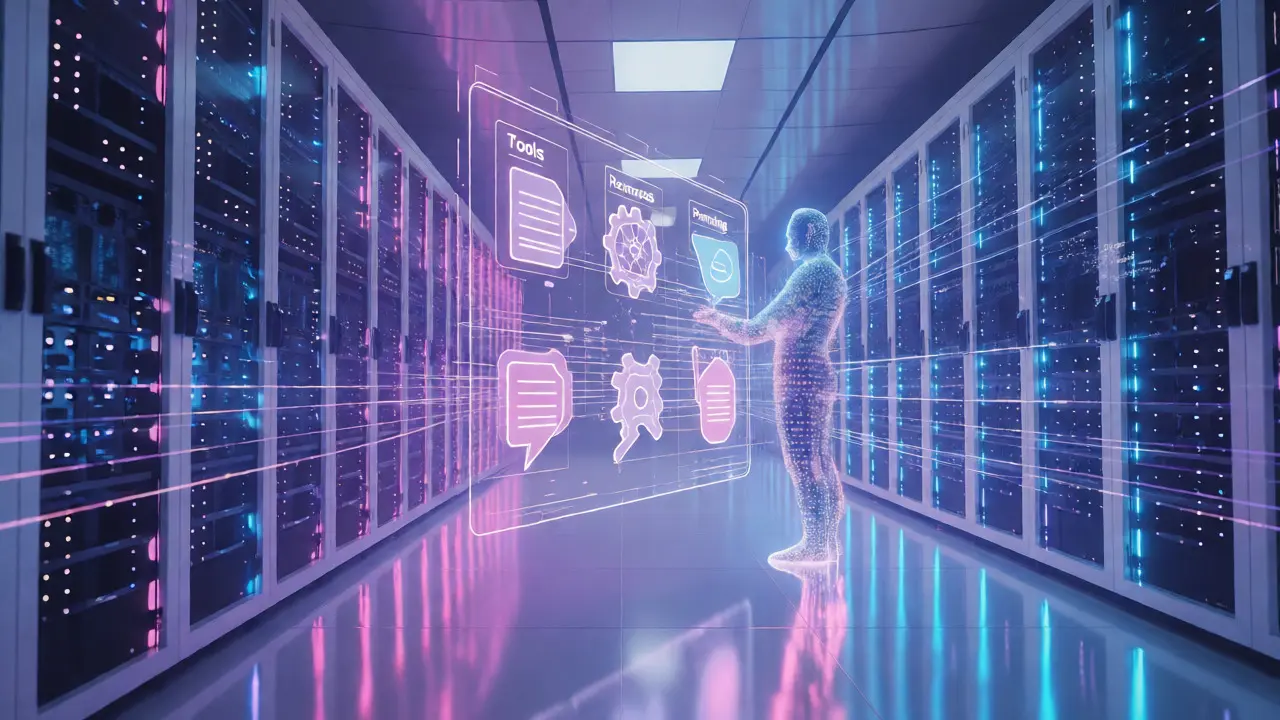
The Four Pillars: Tools, Resources, Prompts, and Sampling
To make sense of the chaos, MCP standardizes four types of interactions. Understanding these helps you design better agents.
Tools are functions the LLM can invoke. Think of them as verbs: `send_email`, `query_database`, `create_ticket`. When the LLM decides it needs to perform an action, it calls a tool. The server executes it and returns the result. This is distinct from simple data retrieval because tools change state.
Resources are nouns. They represent file-like data sources, such as documents, images, or database tables. Instead of hardcoding file paths, the agent discovers resources dynamically. For example, an MCP server exposing a local folder lets the agent list files, read their contents, and reference them in the conversation context without you manually pasting text.
Prompts are pre-written templates. Rather than forcing the user to type out a complex instruction every time, the server can suggest optimized prompts. If you’re using a legal document analysis server, it might offer a "Summarize Contract" prompt template that ensures the LLM focuses on liability clauses.
Sampling is the most advanced feature. It allows a remote MCP server to ask the *client’s* LLM to generate text. Imagine a coding assistant server that needs to explain a bug fix. Instead of having its own model, it asks the user’s local LLM (via the client) to generate the explanation. This keeps costs low and privacy high, though adoption remains limited due to complexity.
Security Risks and Best Practices
Giving an AI agent direct access to your tools is powerful, but dangerous. Red Hat’s security analysis warns that MCP could become the largest attack surface in enterprise AI if mishandled. The core risk is privilege escalation. If an MCP server has write access to your production database, a maliciously crafted prompt could trick the LLM into deleting records.
Here is how to mitigate these risks:
- Least Privilege: Scope permissions tightly. If a tool only needs to read logs, don’t give it write access to the entire filesystem.
- Audit Trails: Use MCP 1.1’s enhanced logging features. Every tool call should be logged with metadata about who triggered it and what data was accessed.
- Sandboxing: Run MCP servers in isolated environments. If a server crashes or behaves erratically, it shouldn’t bring down your main application.
- Input Validation: Never trust the output of an LLM blindly. Validate arguments passed to tools before executing them.
Developers report that setting up secure configurations takes longer than the initial integration itself. Expect a learning curve of 2-3 weeks for teams unfamiliar with JSON-RPC patterns, especially when dealing with streaming responses and error handling.

Real-World Adoption and Market Trends
Since its launch, MCP has seen rapid uptake. Anthropic reported that 78% of enterprise Claude customers implemented MCP within six months. This isn’t just hype; it’s solving real pain points. In financial services, 62% of surveyed enterprises use MCP for real-time market data integration, requiring sub-second latency that traditional batch processing couldn’t provide.
Early adopters cite significant efficiency gains. One engineer noted saving 200 hours by eliminating custom connectors for internal tools. Another team reduced integration code by 40-60%. However, challenges remain. Teams accustomed to REST APIs struggle with the asynchronous nature of JSON-RPC. Debugging is harder when errors occur deep within a chain of server-client interactions.
Competitors like LangChain still exist, but they often require custom adapters for each tool-LLM pair. MCP’s vendor-agnostic approach gives it an edge for companies wanting to avoid lock-in. With roadmap items like multi-modal context handling scheduled for future versions, the protocol is evolving to handle images and audio alongside text, further expanding its utility.
Getting Started with Implementation
If you’re ready to build an MCP-enabled agent, start small. Don’t try to integrate everything at once.
- Choose Your Side: Decide if you are building a Client (an app that uses tools) or a Server (a service exposing tools). Most developers start by building a simple server for a single function, like fetching weather data.
- Use Reference Implementations: Anthropic provides SDKs in Python, JavaScript, and Java. These handle the boilerplate JSON-RPC logic, letting you focus on business logic.
- Test with Dynamic Discovery: Connect your client to the server and verify that the tools appear automatically. If they don’t, check your schema definitions.
- Iterate on Security: Start with read-only tools. Once stable, add write capabilities with strict validation.
Documentation quality is generally good (rated 4.2/5 by early adopters), but troubleshooting guides for edge cases can be sparse. Community forums and GitHub discussions are your best bet for solving obscure protocol errors.
What is the difference between MCP and traditional APIs?
Traditional APIs are typically one-way request-response systems designed for human-readable documentation. MCP is a bidirectional, message-driven protocol designed for machine discovery. It allows servers to expose capabilities dynamically, enabling LLMs to find and use tools without hardcoded endpoints. Additionally, MCP manages persistent context and supports streaming, whereas standard REST APIs often treat each call as stateless.
Do I need to rewrite my existing backend to use MCP?
No, you don’t need to rewrite your backend. Instead, you create an MCP Server that acts as a wrapper around your existing APIs or databases. This server translates MCP commands into calls your backend already understands. This means you can incrementally adopt MCP without disrupting current infrastructure.
Is MCP compatible with non-Anthropic models like GPT-4 or Gemini?
Yes. Although Anthropic introduced MCP, it is an open standard. Major providers like OpenAI and Google DeepMind have adopted or supported implementations of the protocol. Any LLM capable of following structured instructions can theoretically interact with MCP tools via a compliant client library.
What are the main security concerns with MCP?
The primary concern is privilege escalation. Since MCP grants agents direct access to tools, a poorly scoped server could allow an LLM to execute unintended actions, such as modifying sensitive data. Mitigation involves strict permission scoping, sandboxing servers, and implementing comprehensive audit logs for all tool invocations.
How does MCP handle long-running tasks?
MCP uses JSON-RPC 2.0, which supports bidirectional streaming. This allows servers to send partial results back to the client as a task progresses, rather than waiting for completion. This is essential for user experience, providing immediate feedback during operations like large file processing or complex database queries.